Google Business Profile suspended is the kind of problem a service business feels immediately. A service business owner can lose a lot of work before they even understand what happened. One morning the Google Business Profile is there. By lunch, the map listing is gone, the phone slows down, and the email from Google says the profile was suspended for something vague like “deceptive content” or “policy violation.”

If your Google Business Profile is suspended, the worst move is to rush an appeal that only says your business is real. Google usually is not asking whether you exist. It is asking whether the profile matches its rules closely enough to appear in Search and Maps.
We have walked service businesses through this when the listing was costing them calls every day. The fix is not magic, and it is not begging Google. It is a clean audit, a corrected profile, and an appeal that shows exactly what changed.
The suspension email is vague on purpose
Google’s own Business Profile suspension guidance rarely tells you the exact field that caused the problem. You may see a broad label such as “deceptive content,” “business information,” or “quality issue,” but that label can cover dozens of different problems.
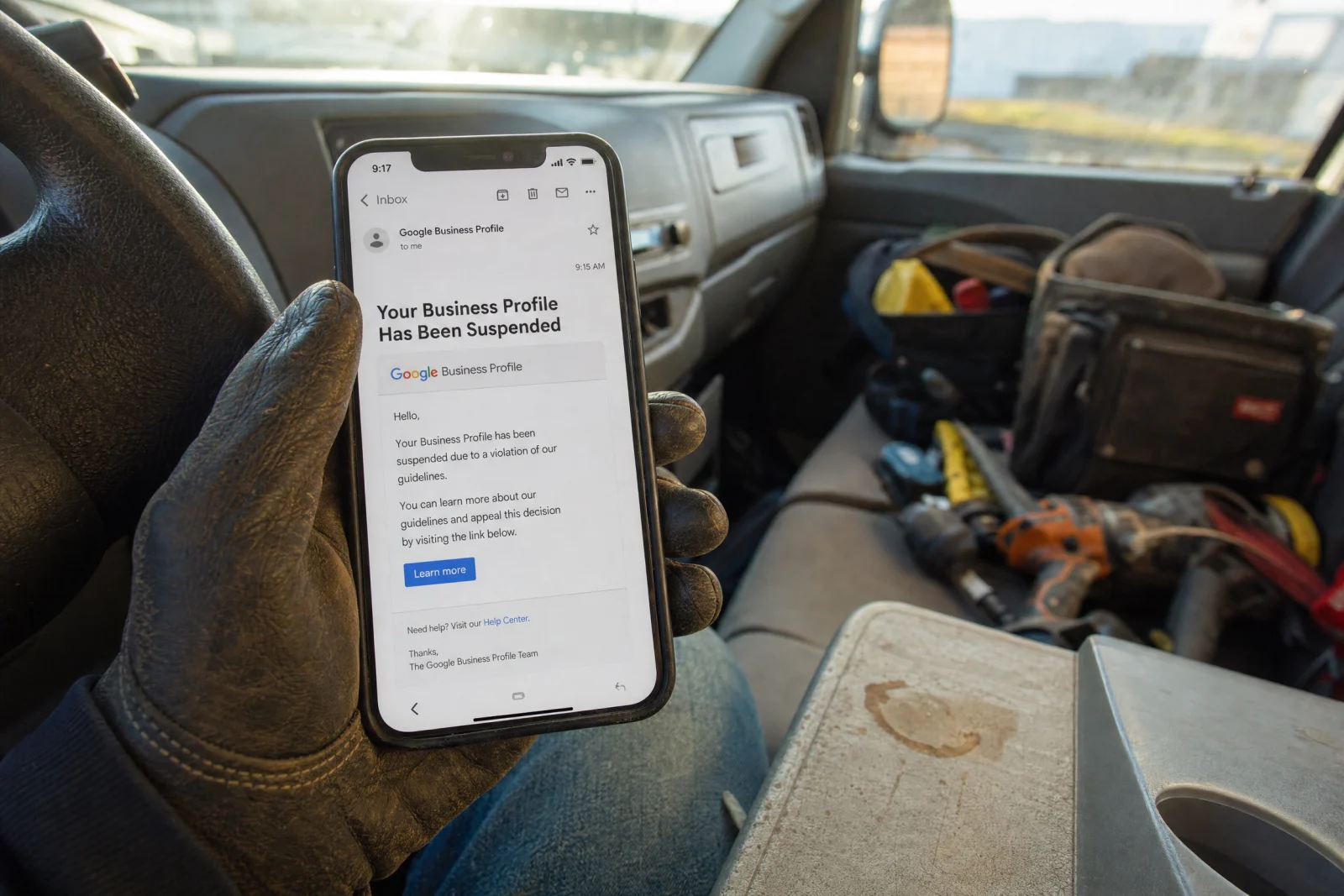
There are two practical types of suspension. A soft suspension means the profile may still show publicly, but you cannot manage it. A hard suspension is worse: the listing disappears from Search and Maps. Customers who search your exact business name may see nothing, or they may see competitors first.
That is why the first hour matters. Do not start changing everything. Do not submit three appeals. Do not create a second profile. Preserve what you can see, identify the likely violation, and fix the profile before asking Google to review it.
Fix 1: clean up the business name, address, and service area
Start with the fields Google trusts most: business name, address, phone, website, categories, and service area. A surprising number of suspensions come from a mismatch in one of those fields.
Your business name should match the real-world name customers see on your license, signage, invoices, website, and other listings. Do not add keywords such as “Best Plumber in Tampa” or “Emergency HVAC Repair Near Me” unless that is truly part of the legal business name. Keyword-stuffed names are one of the fastest ways to make a profile look manipulative.
Address problems are just as common. A service-area business can hide its address from the public, but Google still expects a real location on the back end. PO boxes, virtual offices, shared mailboxes, and coworking addresses can trigger problems because they do not prove that the business operates from a real eligible location.
Check the website too. If the profile says one business name, the footer says another, and the contact page lists an old address, Google has a reason to distrust the listing. Before appealing, make the public signals line up.
Fix 2: remove promotional language from the profile
When a Google Business Profile suspended notice traces back to content, the description is one of the first places to look. Google Business Profile descriptions are not ads. They should describe what the business does, who it serves, and where it operates. They should not include phone numbers, email addresses, links, pricing claims, discounts, guarantees, or repeated calls to action.

We saw one contractor get stuck because the description ended with a phone number and “call today for same-day service.” To a human, that looks harmless. To Google’s profile review system, it can look like promotional content and contact stuffing in a field where that information does not belong.
Rewrite the description plainly. Example: “ABC Plumbing provides residential plumbing repair, water heater replacement, drain cleaning, and leak detection for homeowners in Brevard County.” That is enough. Put phone numbers, booking links, and offers where Google expects them, not in the description field.
Photos deserve the same check. Real job photos, storefront photos, trucks, team photos, and equipment are safer than text-heavy graphics or repeated logo images. If the profile looks like an ad instead of a real business record, clean it up before you appeal.
Fix 3: gather evidence before you open the appeal form
A Google Business Profile suspended appeal should not be a paragraph of frustration. It should be a short evidence packet. Google gives you a limited window to attach documents once you start the evidence flow, so have everything ready first.
For most service businesses, the useful evidence is straightforward:
- business license, DBA filing, or state registration;
- utility bill, lease, insurance document, or tax document showing the business name and address;
- photos of storefront signage, branded vehicles, equipment, or the team at work;
- screenshots showing the corrected profile fields;
- website contact page or footer matching the profile information.
The appeal should connect the evidence to the correction. Do not just attach a license and hope Google figures it out. Say what was wrong, what you changed, and which attachment proves the corrected information.
Fix 4: write the appeal like a correction, not a complaint
A weak appeal says: “We are a real business and did nothing wrong. Please reinstate us.” That may be true, but it does not give the reviewer a reason to reverse the suspension.
A stronger appeal sounds like this:
“The profile was suspended after business information/content issues. We reviewed the profile against Google’s Business Profile guidelines and corrected the description by removing promotional language and contact information. The business name, address, phone number, and website now match the attached business registration and utility bill. Attached photos also verify the business location and branding. Please review the corrected profile for reinstatement.”
That is the difference. You are not arguing with the suspension. You are showing that the profile is now compliant.
Use Google’s Business Profile appeals tool only after the profile is corrected and the evidence is ready. After you submit, wait. Filing repeated appeals before Google responds usually makes the case messier, not faster. If the appeal is rejected, use the next review only when you have new evidence or a clearer correction to show.
Fix 5: prevent the next suspension after reinstatement
After a Google Business Profile suspended case gets reinstated, the work is not over. Reinstatement is not the end of the job. Once the profile comes back, treat it like a live business asset, not a set-it-and-forget-it listing.
Keep a record of the exact business name, address, phone, website, categories, and service areas you want to maintain. Limit manager access to people who actually need it. Remove old agencies, former employees, and anyone who might make changes without understanding the risk.
Make profile changes slowly and deliberately. Updating the name, address, categories, website, and service area all at once can look suspicious, especially in high-spam industries like locksmiths, garage door repair, legal services, and some home-service niches.
Keep reviews clean too. Ask every customer the same way. Do not filter happy customers to Google and unhappy customers somewhere else. Review gating can create policy problems and trust problems at the same time. If you need a safer review process, build it around consistent requests and human follow-up, not shortcuts.
We cover the ongoing optimization side in our Google Business Profile optimization guide. If the bigger issue is that your profile, website, reviews, and lead follow-up are not working together, Blue Coast can also help through individual service fixes or the Automation Scorecard.
What to do in the next 48 hours
If the suspension just happened, slow down long enough to avoid making it worse.
- Screenshot the current profile state, suspension notice, and any visible policy reason.
- Audit the business name, address, phone, website, categories, service area, description, photos, and manager access.
- Correct the most likely policy issue before appealing.
- Gather business evidence and screenshots before opening the appeal evidence flow.
- Submit one clear appeal that states what was corrected and what each attachment proves.
- Wait for the decision before filing another appeal unless Google specifically asks for more information.
If your Google Business Profile suspended notice is costing you calls right now, the goal is not to sound persuasive. The goal is to make the reviewer’s job easy: here is the violation we found, here is the correction, and here is the proof that the business is legitimate.
That is the path that gives you the best chance of getting back into Search and Maps without creating a second problem you have to unwind later.