
If you run a local service business, your Google Business Profile is doing more selling than your website. Google Business Profile optimization — keeping that free listing complete, accurate, and active — is the highest-leverage local marketing most owners ignore, and it’s where a nearby customer decides whether to call you or the company listed right above you.
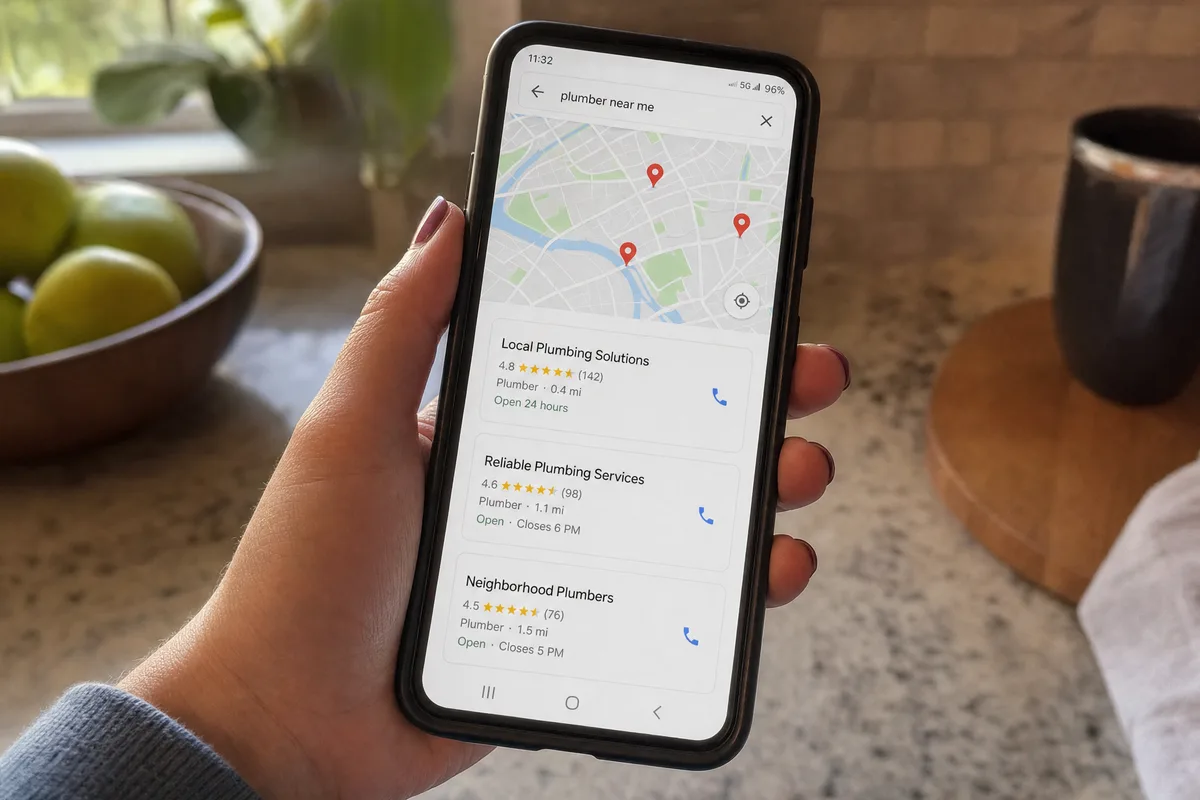
Here’s the uncomfortable part. When someone searches “AC repair near me” or “pool service in Melbourne,” Google shows a short map with three businesses. Most people pick one of those three. If you’re not in that little box, you’re invisible to a customer who was ready to hire today.
This guide walks through what actually moves that needle in 2026 — the steps that matter, in the order I’d do them, with the stuff that changed this year flagged so you’re not following advice from three years ago.
What your Business Profile actually is now
A few things changed recently, so let’s start current.
Your Business Profile is the free listing that shows up on Google Search and in Google Maps — your name, hours, phone, photos, reviews, and the little “call / directions / website” buttons. It’s separate from your website. You can have a great site and still be nowhere on the map.
One important update: the old “Google My Business” app and the standalone dashboard were retired. You now manage your profile directly from Google Search and Google Maps while you’re signed in to the account that owns it. If a guide tells you to “log into your Google My Business dashboard,” that guide is out of date — and that’s a sign its other advice might be too.
How Google decides who shows up
Google has said plainly what drives local results. Three things: relevance, distance, and prominence.
- Relevance is how well your profile matches what the person typed. A profile that clearly says what you do, in the right category, matches more searches.
- Distance is how close you are to the searcher. You can’t move your shop, but you can tell Google exactly where you work — which matters a lot if you drive to customers.
- Prominence is how known and trusted you look — reviews, activity, consistency, and your presence across the web.
You can’t game these. You can feed them. Most of what follows is about giving Google complete, honest, current information and a steady stream of real reviews, so it has every reason to put you in that three-business box.
And here’s the bottleneck most owners hit: it’s not that their profile is bad, it’s that it’s half-finished and then forgotten. The category’s vague, half the fields are blank, the last photo is from 2022, and reviews come in by luck instead of by system. That’s leads leaking, quietly, every week.
Google Business Profile optimization: seven steps that get you found
You don’t have to do all of this today. Work down the list. Each step stands on its own.
Step 1: Claim and verify your profile
You can’t edit a profile you don’t control. Search your business name on Google; if a profile already exists (Google often creates them automatically), claim it. If there isn’t one, create it.
Then verify — this is Google confirming you’re really the business. In 2026, most new profiles go through video verification: a short, unedited video from your phone showing your location, your signage or vehicle, and proof you operate there. It feels like a hassle, but it’s a one-time step, and an unverified profile won’t rank.
Step 2: Get your primary category right
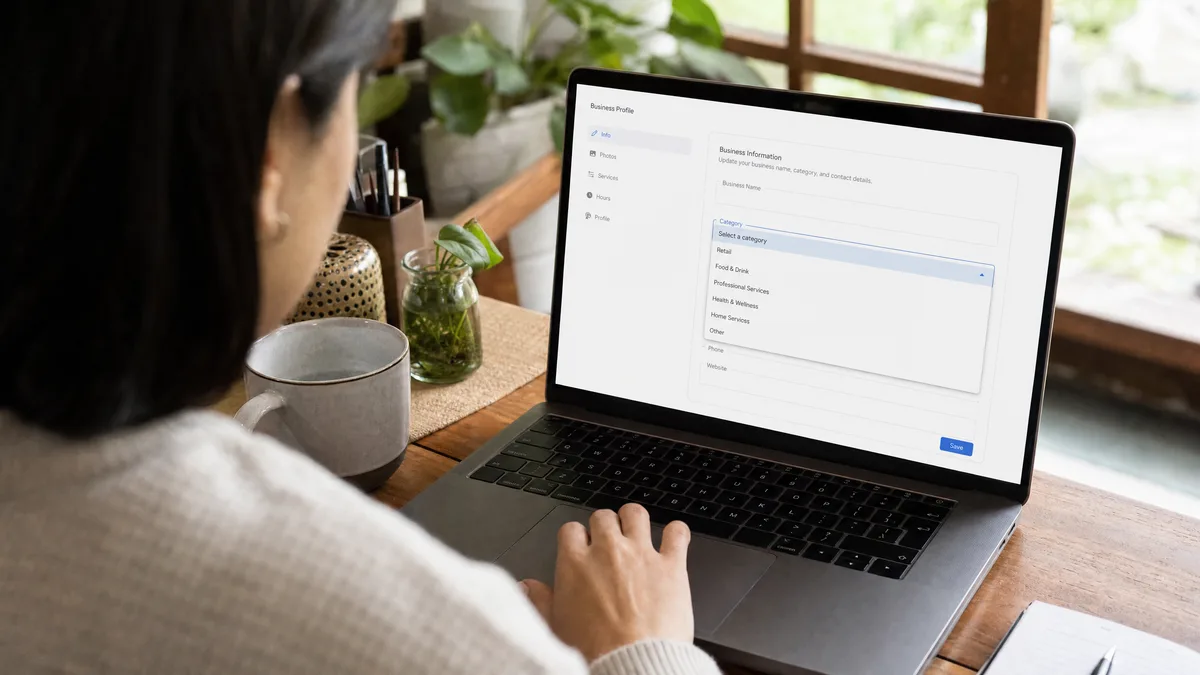
If you do one thing on this list, do this one. Your primary category is the strongest signal you control. In the 2026 Local Search Ranking Factors survey — the industry’s annual read on what moves local rankings — the primary category came out as the top factor for showing up in the local map pack.
Pick the most specific category that describes your core business, not a broad one. “HVAC contractor” beats “contractor.” “Pool cleaning service” beats “pool company.” Then add secondary categories for the other real services you offer. Don’t stuff it with categories you don’t actually do — that backfires.
Step 3: Fill in every field, and set your service area
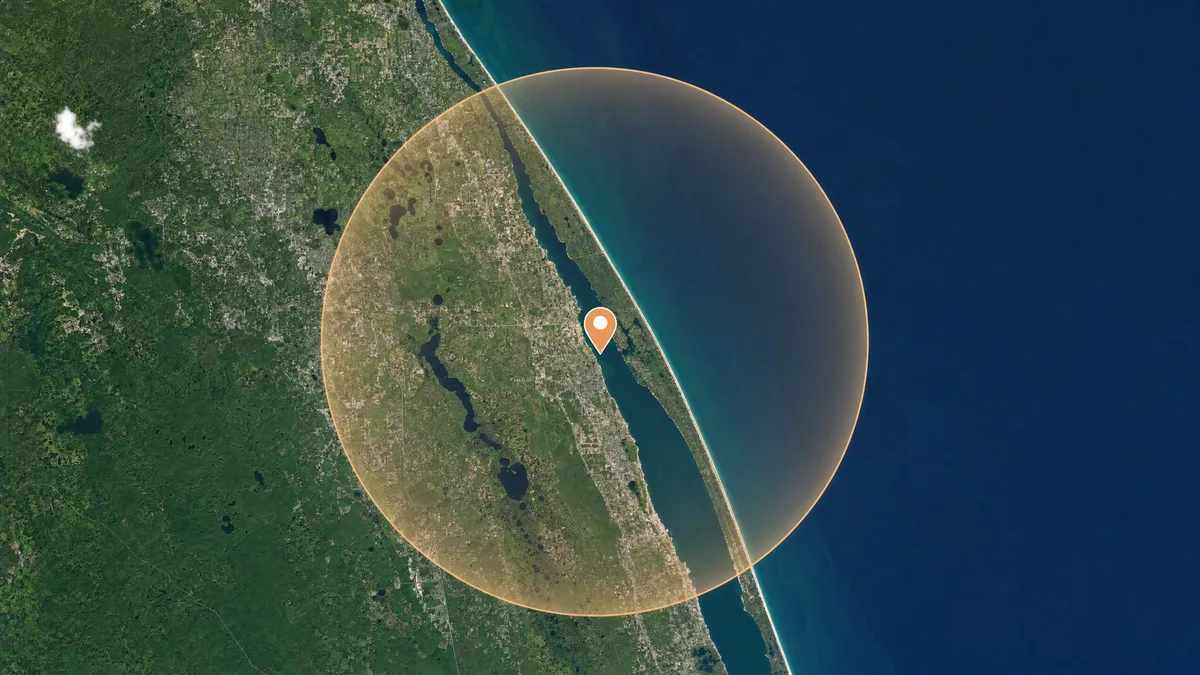
Google has said it directly: businesses with complete and accurate information are more likely to show up. So leave nothing blank. Hours, phone, website, services, the description, attributes — fill it all in, and keep your name, address, and phone identical to how they appear on your website and everywhere else online. Mismatched details quietly drag you down.
If you drive to your customers instead of having them come to you — like most contractors, cleaners, and repair techs — set up a service area instead of a public storefront address. Google supports this: you list the cities or zones you cover, and your street address stays hidden. You’ll still need a real address during setup, but customers see your service area, not your home.
Step 4: Add real photos
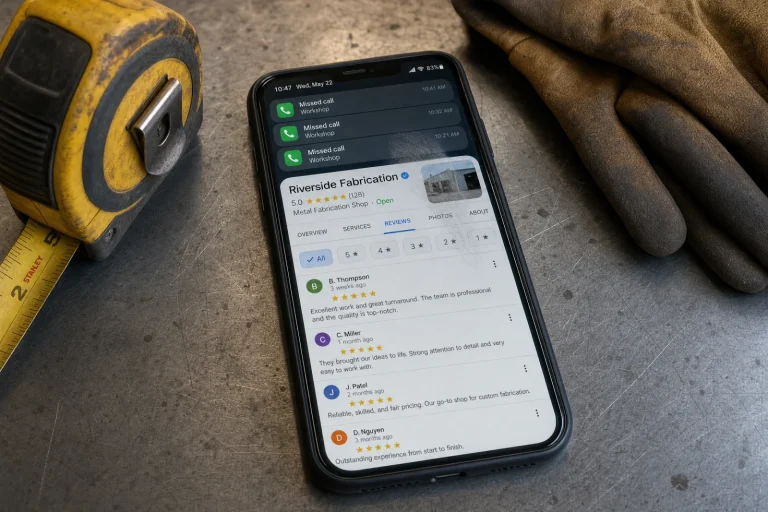
Add photos, and make them yours. Real shots of your team, your trucks, completed work, and your storefront if you have one. Skip the stock images — they read as fake, and customers can tell. Refresh them now and then so the profile looks alive rather than abandoned. A profile with current, genuine photos looks like a business someone is paying attention to.
Step 5: Build reviews the right way

Reviews are a big piece of “prominence,” and they’re often the deciding factor when a customer is choosing between you and the next listing. Two rules matter in 2026.
First, ask everyone. The trick isn’t a clever campaign — it’s asking every customer, at the moment the job’s done and they’re happy. Almost nobody does this by hand, which is exactly why it’s an opportunity.
Second, don’t filter who you ask based on how you think they’ll rate you. That’s called review gating, and Google’s policies now prohibit it. Ask all your customers the same way, the good and the iffy, and respond to the reviews you get — a calm, specific reply to a critical review does more for a watching customer than a wall of five stars.
Asking every single customer, every time, is the part that breaks down, because you’re busy running the work. That’s the kind of thing worth putting on autopilot, so the request goes out automatically after each job. That’s what our review automation is built to do.
Step 6: Post updates, roughly monthly
Your profile lets you publish short posts — an offer, a finished project, a seasonal reminder. They’re not a magic ranking lever, but they’re a low-cost signal that your business is active, and they give a browsing customer something current to see. Once a month is a fine rhythm. Posts hang around for about six months, but only your latest shows by default, so a steady trickle beats one burst and then silence.
Step 7: Keep it current, and watch the AI shift
A profile isn’t a set-it-and-forget-it task. Hours change for holidays. You add a service. A category fits better than the one you picked. Keeping it accurate is ongoing work, and it’s the work most owners drop after the first week.
It matters more now than it used to. Google is increasingly answering local searches with AI summaries that sit above the old three-business map — and those summaries pull from the same profile and review data you’ve been keeping up. A complete, accurate, well-reviewed profile is what gets you quoted in that new layer, not skipped over. The businesses keeping their profile current are the ones the AI has something good to say about. The profile is the foundation; the other systems we build go past it into reviews, follow-up, and turning that local visibility into booked work.
Who keeps all this running
I’ll be straight about the catch. None of these steps is hard on its own. The hard part is that they never stop. The reviews need asking every week. The profile needs updating every time something changes. The photos go stale. And you’re running a business, not babysitting a Google listing.
That’s the difference in how we approach it at Blue Coast. We’re not here to hand you a one-time SEO report that’s out of date by the time you read it. We set the profile up right, then put the ongoing parts — the review requests especially — on systems that run on their own, so your local presence keeps building without you thinking about it. We do this for service businesses across Florida and beyond, and we run our own profile the exact same way — I wouldn’t sell you a system I don’t use myself.
That’s the whole idea behind Business Autopilot: build the systems your business needs, keep them running, and leave you in control — no lock-in, no platform you can’t walk away from.
Google Business Profile optimization: common questions
A few questions I hear from owners working through this, with straight answers.
How long before Google Business Profile optimization shows results?
Usually a few weeks, not days. Verifying and filling out your profile can change what shows almost right away, but the ranking pieces — reviews building up, Google trusting that your information is accurate and current — move on Google’s timeline, not yours. The businesses that win are the ones still at it in month three, after most owners have drifted off. Set the review requests to run on their own and that consistency happens whether or not you remember to chase it.
Can a business with no storefront still rank?
Yes, and most of the service businesses I work with don’t have one. If you drive to your customers — HVAC, plumbing, pool service, cleaning — you set up a service area instead of a public street address, the way I covered in Step 3, and you’ll still show up across the areas you cover. What you can’t do is list towns you don’t actually serve to grab more of the map; Google catches padded service areas, and it works against you.
How many reviews do I need to land in the map pack?
There’s no magic number, and anyone who hands you one is guessing. What matters more than a total is a steady flow of recent, genuine reviews — and that you reply to them. A business pulling in two honest reviews a month, every month, usually outranks one that collected fifteen two years ago and went quiet. Recent and consistent beats a big stale pile every time.
Do Google posts actually help my ranking?
Not directly, and I won’t pretend they’re a magic lever. Posting is a small signal that your business is active, and it gives someone comparing you to the next listing something current to look at. Treat it as light upkeep — a few minutes a month — not a growth strategy. A steady trickle beats one burst followed by a year of silence.
What’s the most common Google Business Profile optimization mistake?
Setting it up once and forgetting it. The profile that’s half-filled, wearing a vague category, with no new photo or review since the day it was claimed — that’s the one quietly bleeding customers. Google Business Profile optimization isn’t a box you check off; it’s small, steady upkeep that almost nobody sustains. Which is exactly why the owners who do sustain it pull ahead.
Should I manage my profile myself or hire someone?
You can absolutely do all of this yourself — none of the steps are hard. The catch is that they never stop, and you’re busy running the actual business. Most owners start strong and fade inside a month. The reason we put the ongoing parts — the review requests especially — on systems is so the work keeps happening while you’re on a job site instead of in front of a screen. That’s the difference between a profile that builds and one that stalls.
Is my Business Profile the same as my website’s SEO?
No — they’re separate, and you want both. Website SEO is about ranking in the regular blue-link results; your Business Profile is about the map pack and Google Maps. A strong profile can put you in front of a ready-to-call customer even when your website is nowhere near page one. They do reinforce each other — matching name, address, and phone across both is part of the trust Google looks for — but optimizing one doesn’t optimize the other.
How does Google’s AI change this in 2026?
It raises the stakes on the same fundamentals. Google increasingly answers local searches with an AI summary that sits above the old map pack, and it builds that summary from the same profile and review data you’ve been keeping current. A complete, well-reviewed profile gives the AI something good to say about you; a neglected one gets passed over. So the 2026 version of Google Business Profile optimization isn’t a new trick — it’s doing the basics well enough that the AI layer has a reason to put you forward.
What to do next
Start with the two steps that move the most: get your primary category right, and start asking every customer for a review. Those alone will outperform most of what your competitors are doing.
And if you want to see where you’re actually leaking customers — slow follow-up, missed calls, reviews you’re not collecting — take the free Automation Scorecard. Five quick questions, about a minute, and you’ll know your biggest bottleneck and the two fixes worth making first. If it makes sense, you can book a free audit right from your results.