Wasted ad spend is a problem almost every contractor faces, and this guide helps you diagnose it before making the wrong next move.
We ran an $8,000 Google Ads campaign for a plumbing company last spring and watched it generate exactly zero jobs. Not zero clicks. Not zero leads. Zero actual booked work. The ads were running, the phone number was on the site, and the budget was draining at about $400 a week. When we finally pulled the account data and sat down with the owner, the problem was obvious. Someone searching for emergency water heater repair at 10 PM was landing on a page that looked like a corporate brochure. They left, called the next result, and that was that. We rebuilt the campaign with a dedicated landing page, tightened the keywords, and turned off ads outside business hours. Same budget, same market, 19 jobs in the next 30 days. The difference was not the ads. It was fixing the wasted ad spend contractors face when the foundation is broken before the first dollar goes out the door.
The Landing Page That Is Silently Killing Your Contractor Leads
The plumbing company we mentioned was not doing anything unusual. Most contractors send ad traffic straight to their homepage because that is the default option when you set up a campaign. Google asks for a URL, you paste in your website, and the ads go live.
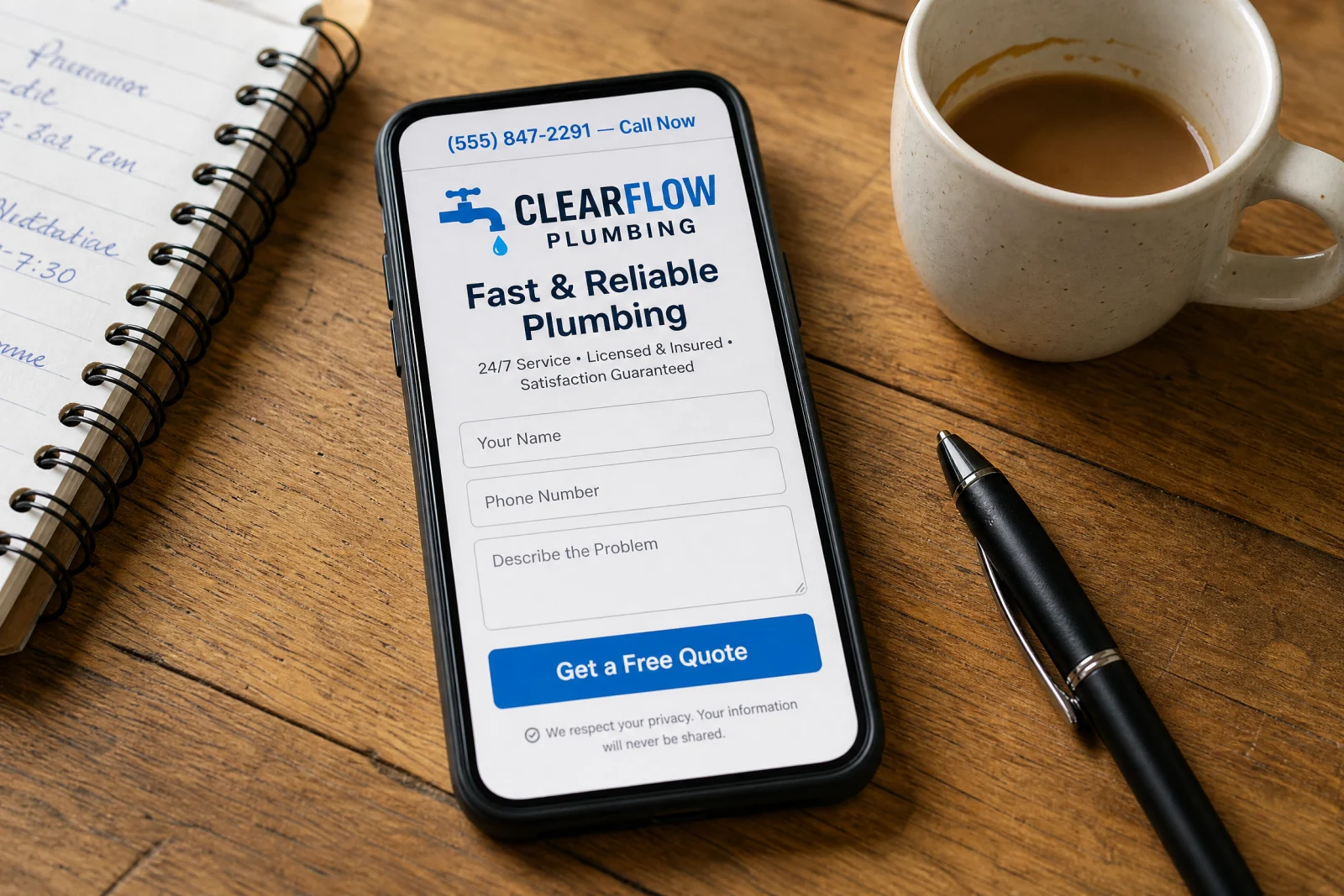
We pulled the analytics for that campaign and found that the average time on page was 11 seconds. People were landing, scanning for a phone number or a form, not finding either one fast enough, and leaving. The homepage had a phone number in the header, but it was small, gray, and not clickable on mobile. The contact form was at the bottom of the page under a section called Get In Touch, which required scrolling past the About Us section, the service grid, and two testimonials. The form itself asked for name, email, phone, address, service needed, preferred date, preferred time, and a message box. That is eight fields. For someone whose water heater flooded the basement, eight fields might as well be a job application.
We rebuilt the landing page from scratch. One headline that matched the ad: Emergency Water Heater Repair in Tampa. One subheadline: Licensed plumber on call 24/7, usually there in under an hour. One giant clickable phone number at the top. One short form: name, phone, what is wrong. No navigation menu. No links to other pages. No slideshow. The only thing you could do on that page was call or submit the form.
The first week after we switched traffic to the new page, the conversion rate went from under 2% to over 9%. Same ads, same keywords, same budget. The difference was that people could actually do something when they landed. The owner told us later that the first lead came in at 11 PM on a Tuesday, which would have been outside the old business-hours-only mindset. But because the page was built for after-hours emergencies and the form went straight to his phone as a text, he called the customer back in four minutes and booked the job before they called anyone else.
Why Your Phone Number Is Not Where Leads Actually Look
Most mobile users will tap a phone number within three seconds of landing on a page if they can find it. If they cannot find it in three seconds, they hit the back button and call the next result. We have watched this happen in session recordings more times than we can count. Someone lands, scrolls up looking for a number, does not see one, and leaves.
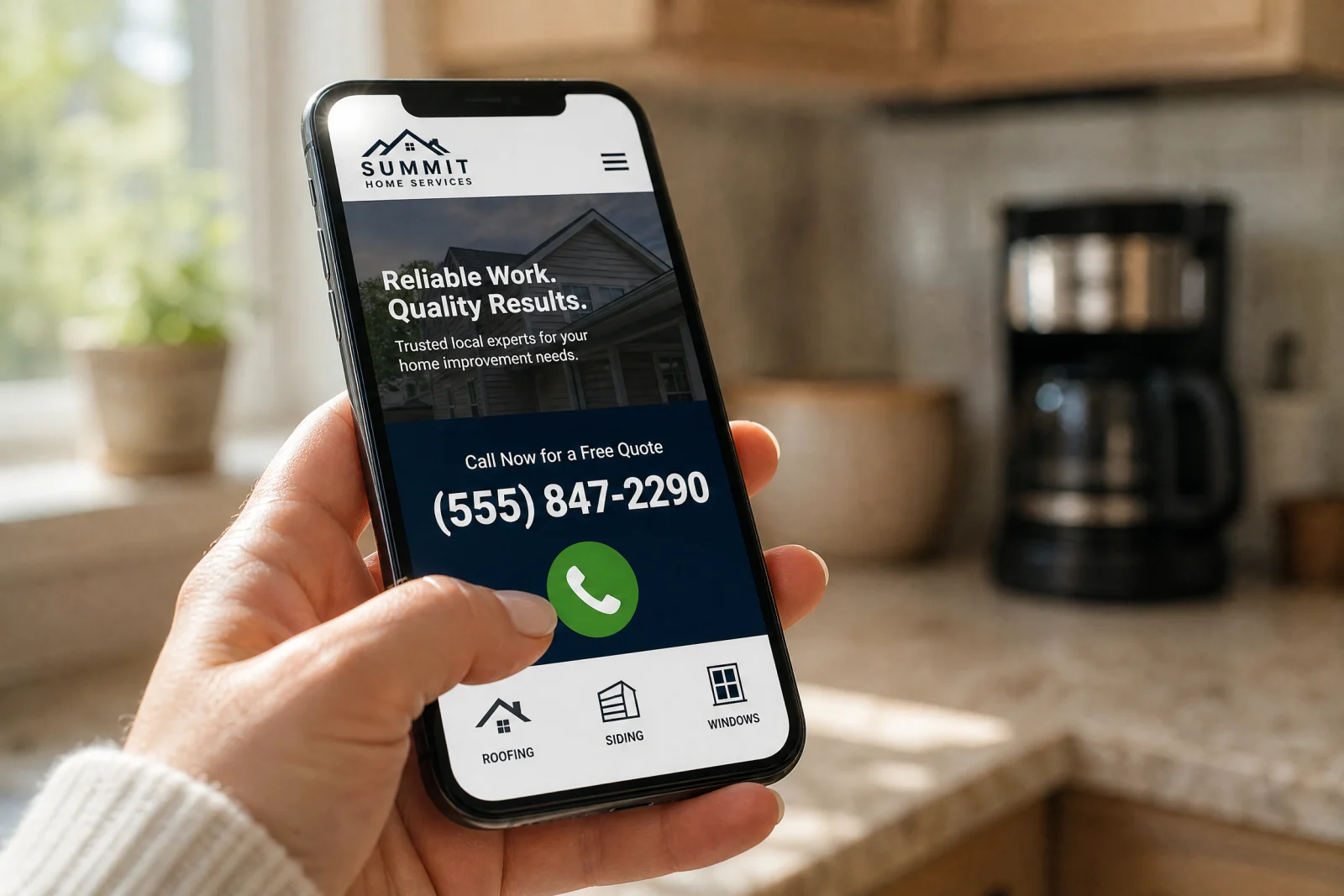
The number is in the footer does not count. Nobody scrolls to the footer on mobile. The number needs to be at the very top of the page, large enough to read without zooming, and wrapped in a click-to-call link so tapping it opens the phone dialer. If your number is in 12-point gray text tucked into the corner of the header, you are losing calls. Make it big, make it obvious, and put it where a thumb can reach it without scrolling.
The Keyword Mismatch Draining Your Budget Every Single Day
We took over a Google Ads account for an HVAC company that was spending $2,400 a month and getting maybe six or seven leads. The cost per lead was over $300, which is high even for HVAC in a big metro. When we opened the account and looked at the keywords, we found the problem immediately. They were bidding on broad match keywords like air conditioning, HVAC, and furnace repair. No city, no qualifier, no intent signal. Only the bare service name.

Broad match means Google shows your ad for anything it thinks is related. We pulled the search terms report and found that the campaign was showing ads for HVAC technician salary, how to install a furnace, air conditioning history, and HVAC certification programs. None of those searches were from people looking to hire someone. They were students, job seekers, and people writing research papers. Every click cost $30 to $50, and none of them were ever going to call.
We rebuilt the keyword list from scratch. Instead of air conditioning, we used emergency AC repair in [city], AC not cooling [city], and same-day air conditioning service [city]. We switched everything to phrase match and exact match so Google could not wander off into unrelated searches. We added a negative keyword list with over 200 terms: salary, school, training, certification, DIY, how to, cost to become, and every other variation of a search that was not looking to hire someone.
The first month after the switch, the campaign spent $2,100 and generated 34 leads. Cost per lead dropped to about $62. Same market, same budget, completely different results. The difference was that every click was now coming from someone who actually needed the service and was ready to call. We still check the search terms report every week because Google will try to expand your reach if you let it, and that expansion almost always includes garbage traffic that burns money without converting.
Ad Schedule Waste: The Money Burning While Your Team Sleeps
What time of day do contractors actually answer the phone? For most service businesses, the answer is somewhere between 7 AM and 6 PM on weekdays, maybe a half day on Saturday. But Google Ads runs 24/7 by default, which means your budget is getting spent at 2 AM on a Sunday when nobody is there to pick up.
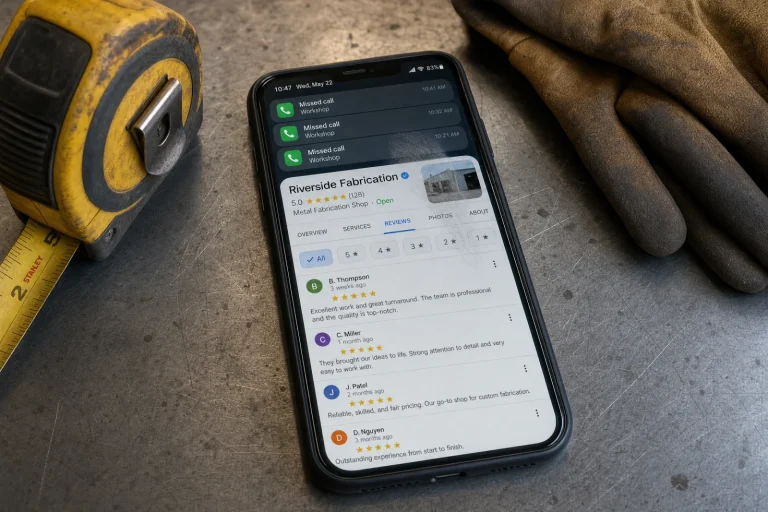
We audited an electrical contractor account that was spending about 30% of its monthly budget on clicks that came in outside business hours. The ads were running all night, people were clicking, and then they were calling the number and getting voicemail. By the time the office opened Monday morning, those leads had already hired someone else. The contractor was paying $40 per click for leads that were never going to convert because nobody answered the phone.
We paused the ads from 6 PM to 7 AM and turned them off entirely on Sundays. The monthly spend dropped by about $700, and the number of booked jobs stayed exactly the same. That $700 was waste. Some contractors do offer true 24/7 emergency service, and if that is you, keep the ads running. But if you are not answering the phone at midnight, do not pay for clicks at midnight. Concentrate your spend during the hours when your team is actually there to convert the lead into a job.
The Tracking Blind Spot That Hides Where Your Real Leaks Are
We thought we knew where leads were coming from until we actually started tracking them. For the first year we ran contractor campaigns, we were looking at Google Ads data and assuming that clicks equaled interest and conversions equaled success. But we had no idea which keywords were driving phone calls, which ads were leading to actual booked jobs, or whether the $80 cost-per-lead keyword was better or worse than the $120 one.
The gap was that Google only tracks what happens on the website. If someone clicks an ad, lands on your page, and fills out a form, Google sees that. But if they click an ad, land on your page, and call the number, Google has no idea that call happened. And if they fill out a form but never book a job, Google still counts that as a successful conversion even though it made you zero dollars.
We set up call tracking for a general contractor who was spending about $4,000 a month on ads. Call tracking assigns a unique phone number to each campaign, so when someone calls, you know exactly which keyword and which ad brought them in. Within two weeks, we discovered that the keyword we thought was worthless—because it had a low form submission rate—was actually driving 60% of the phone calls. People searching for that term did not want to fill out a form. They wanted to talk to someone immediately. We had almost paused that keyword because the Google dashboard made it look like it was underperforming.
We also started tracking cost per booked job instead of cost per lead. A campaign that generated leads at $80 each sounded great until we realized only 40% of those leads turned into actual work. That put the real cost at $200 per job. Another campaign was generating leads at $120 each, but 70% of them booked, which meant the cost per job was only $170. The more expensive leads were actually the better investment, but we could not see that until we connected the ad data to the CRM and tracked what happened after the lead came in. This kind of insight is exactly what helps reduce the wasted ad spend contractors experience when they rely solely on surface-level metrics.
Without tracking, you are flying blind. You can see clicks and you can see form submissions, but you cannot see which ads are actually making you money. Set up call tracking, make sure every form submission is logged somewhere you can review it, and connect your ad platform to whatever system you use to manage jobs. Once that data starts flowing, you will know exactly where to spend more and where to cut. If you need help setting up proper tracking and conversion systems, our team at Blue Coast Web Services can walk you through the technical setup and make sure your data is actually telling you the full story.
Audit Your Account Before Your Next Dollar Gets Wasted
Pull your last 30 days of ad spend right now and ask three questions. Where are clicks coming from? Are they converting? Is the phone ringing?
Export the search terms report from Google Ads and look at every query that triggered your ad. If you see anything that is not a buyer search—job listings, how-to questions, general research terms—add those to your negative keyword list immediately. Then look at your landing page. Open it on your phone and see how long it takes you to find the phone number and the contact form. If it takes more than three seconds, move them higher. If you are not sure how your own contact form and mobile experience stack up, our free website scorecard walks through the same checks we use. Check your ad schedule and see what percentage of your budget is being spent outside the hours when someone is actually there to answer the phone. If it is more than 10%, pause those hours and reallocate the spend.
Finally, look at your conversion tracking. Can you tell which keyword brought in which lead? Can you see whether that lead turned into a job? If the answer is no, you are probably wasting money on something that looks good in the dashboard but does not actually work. Stop running ads until you can answer those questions. Spending blind is how contractors burn through $8,000 and get nothing. Spending with data is how you turn the same budget into 19 jobs. These simple audits can immediately identify the sources of wasted ad spend contractors overlook when they trust default settings and incomplete data.
The plumbing company we opened with is still running ads. Same market, same budget, same owner. The difference is that every dollar now goes to a landing page built for conversions, keywords that match buyer intent, and hours when the phone actually gets answered. That is the difference between wasted ad spend contractors throw away every month and a campaign that pays for itself. Fix the foundation first, then spend the money.