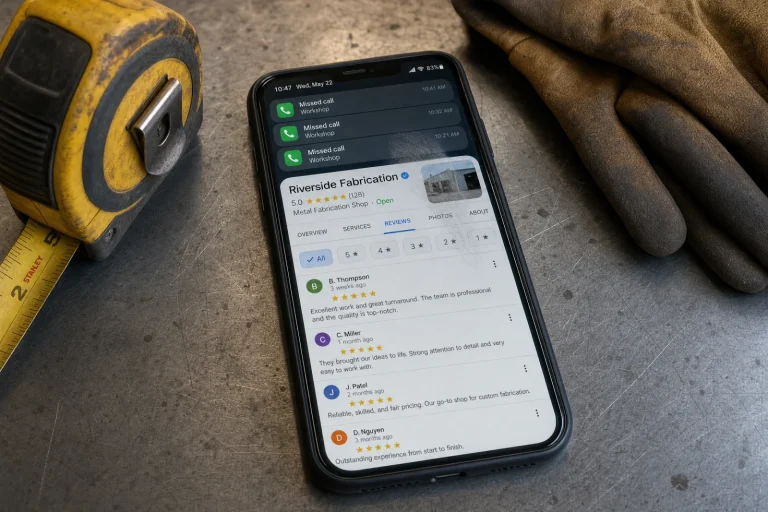
Lead management system is the problem this guide helps a business owner diagnose before making the wrong next move. When your business starts generating more inquiries than you can track manually, you need a lead management system that keeps every opportunity from slipping away.
A roofer called us in March after three months of zero jobs from his website. He had been paying for Google ads, running Facebook campaigns, and buying aged leads from a third-party vendor. His phone was ringing. The contact form was filling up. And he was not booking work.
We pulled his lead data and found forty-three inquiries from the previous month alone. Forty-three people had either called, filled out a form, or texted asking for a quote. He had closed two jobs.
The problem was not traffic. The problem was what happened after someone reached out. Leads came in through five different channels—phone calls logged in his cell, form submissions landing in an email inbox he checked twice a day, texts mixed in with personal messages, Facebook messages he forgot to check, and a spreadsheet his office manager updated when she remembered. Nobody knew who had been contacted, who was waiting on a quote, or who had gone cold. One lead sat in his email for nine days before he saw it. By then, the homeowner had hired someone else and left a one-star review saying he never called back.
When we showed him the numbers, he went quiet for a minute. Then he said something we hear all the time: “I thought I needed better leads.” He had been ready to double his ad spend, convinced that the quality of inquiries was the issue. He was about to throw another two thousand dollars a month at a problem that had nothing to do with lead quality and everything to do with lead chaos.
He thought he needed more leads. What he actually needed was a lead management system that could handle the volume he already had.
We see this constantly with service businesses. The owner invests in marketing, the leads start coming in, and the whole operation falls apart because there is no system to catch them. Spreadsheets work fine when you are getting three inquiries a week. They collapse when you are getting three a day. And the frustrating part is that the business owner assumes the leads are bad, or the marketing is not working, when the real issue is that nobody is following up fast enough—or at all.
The math is brutal when you break it down. If you are spending fifty dollars per lead and you lose half of them to poor follow-up, you are effectively paying a hundred dollars per lead for the ones you actually contact. And if your close rate on contacted leads is thirty percent, you are now at over three hundred dollars per customer—not because your marketing is expensive, but because your lead management is hemorrhaging opportunities.
That roofer was not losing jobs because his competitors had better prices or fancier websites. He was losing them because his lead management was a mess of disconnected tools, forgotten follow-ups, and manual data entry that nobody had time to do. The leads were fine. The system was the disaster.
The Five Moments Your Lead Management System Betrays You
You realize you have a problem the moment your phone rings and nobody knows if this is a new lead or someone calling back. You have another problem when a form submission sits in your inbox for six hours because it landed in a folder you do not check. The third moment hits when you try to figure out who followed up with a lead from last Tuesday and nobody can remember. The fourth is when you discover three people on your team all called the same customer within an hour because nobody logged the first two calls. And the fifth is when you look at your conversion rate and realize you are closing less than ten percent of inquiries, but you have no idea where the other ninety percent went or why they disappeared.
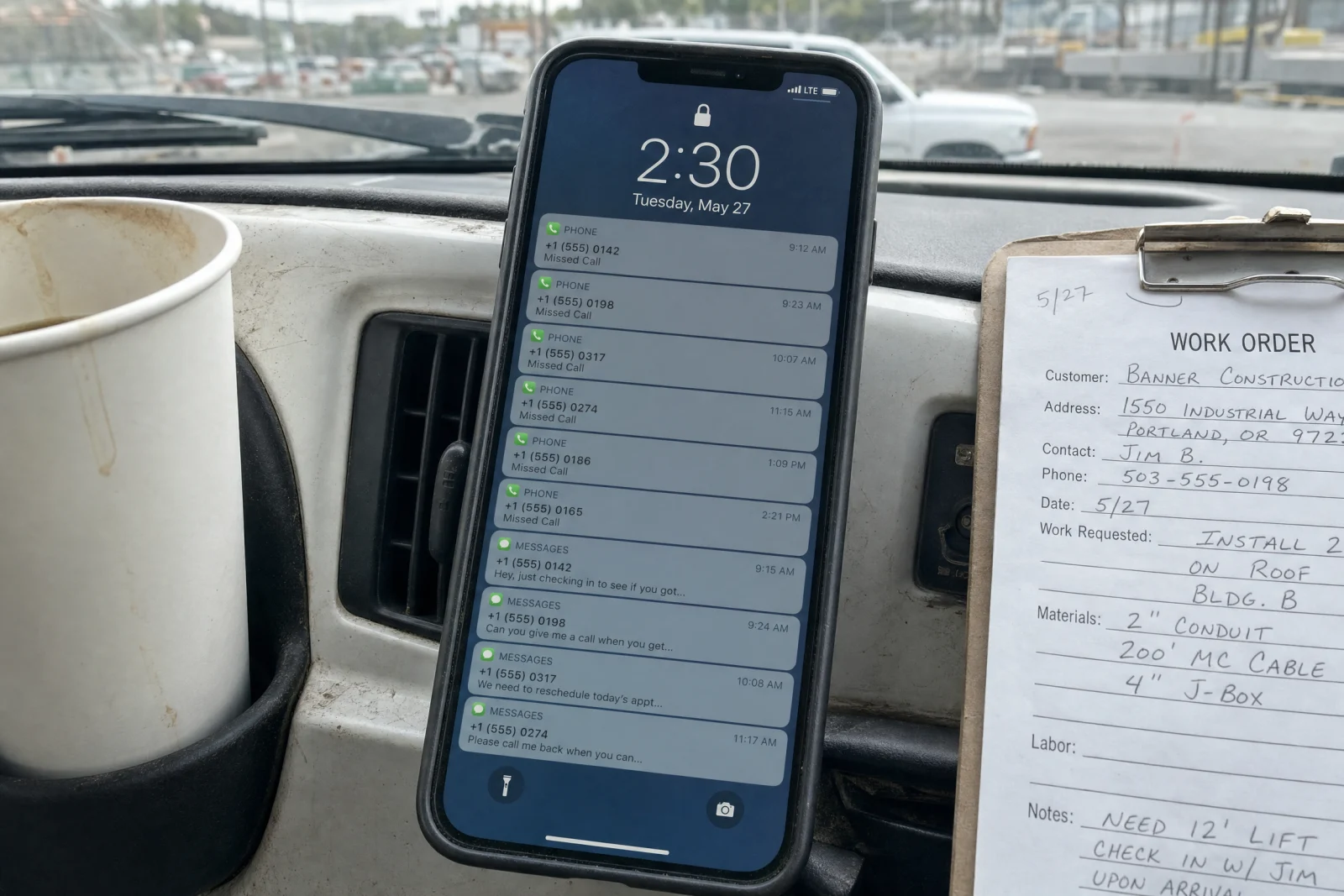
These are not edge cases.
The duplicate contact problem is particularly embarrassing. We worked with a plumber who had a homeowner call him out on it directly. The customer said, “Your office called me at nine. Your dispatcher called at ten. And now you’re calling at eleven. Do you guys even talk to each other?” The plumber lost the job, and the customer told the story to three neighbors who were also getting quotes. That is how broken lead management does not cost you one job—it costs you referrals, reputation, and future opportunities you will never even know about.
The disappearing lead problem is worse because it is invisible. You cannot fix what you cannot see. When leads vanish into the void of unchecked inboxes and forgotten voicemails, you do not get angry phone calls or bad reviews. You get silence. The homeowner moves on, hires someone else, and you never know they existed.
Why Your Follow-Up Dies in the First 24 Hours
Most service businesses lose nearly half their leads because follow-up is manual, chaotic, and depends entirely on someone remembering to do it. A lead comes in Friday afternoon. The owner is on a job site. The form sits in email. By Monday morning, the homeowner has already called two other companies and picked one. The lead never had a chance.

We have watched this happen dozens of times. The business owner swears they respond quickly, but when we pull the data, the average response time is closer to eight hours. That is an eternity when someone has a broken AC unit in July or a leaking pipe flooding their basement. The job goes to whoever answers first, and if your follow-up process requires someone to manually check email, log the lead, and remember to call back, you are already too slow.
The research backs this up. Studies on lead response time show that contacting a lead within five minutes makes you nine times more likely to convert them compared to waiting thirty minutes. After an hour, your chances drop by another eighty percent. After twenty-four hours, you might as well not bother—the lead has already made a decision, and it was not you.
We had a landscaper tell us he always responded within an hour. We tracked his actual response time for two weeks. The average was four hours and twenty minutes. His fastest response was twelve minutes. His slowest was two days. He was genuinely shocked when we showed him the data. He had no idea because he had never measured it.
The weekend gap is another killer. Leads that come in Saturday afternoon or Sunday morning sit untouched until Monday. By then, the homeowner has already scheduled three estimates for Monday afternoon with companies that have answering services or automated response systems. You are not even in the running anymore.
How We Rebuilt Lead Flow Without Buying Another Lead Source
We worked with an HVAC company last summer that was spending two thousand dollars a month on Google ads and converting almost nothing. The owner was convinced the ads were the problem. We looked at the lead flow and found the real issue within ten minutes.
Leads were coming in through the website contact form and landing in a Gmail inbox shared by three people. Nobody had assigned responsibility for checking it. Sometimes the owner would see a new lead and call. Sometimes his office manager would. Sometimes nobody would, and the lead would sit there until someone happened to scroll past it. There was no tracking, no follow-up schedule, and no way to know if a lead had been contacted unless you asked around.
The shared inbox problem is common, and it is deadly. When everyone is responsible, nobody is responsible. Each person assumes someone else will handle it. The lead falls through the gap between assumptions.
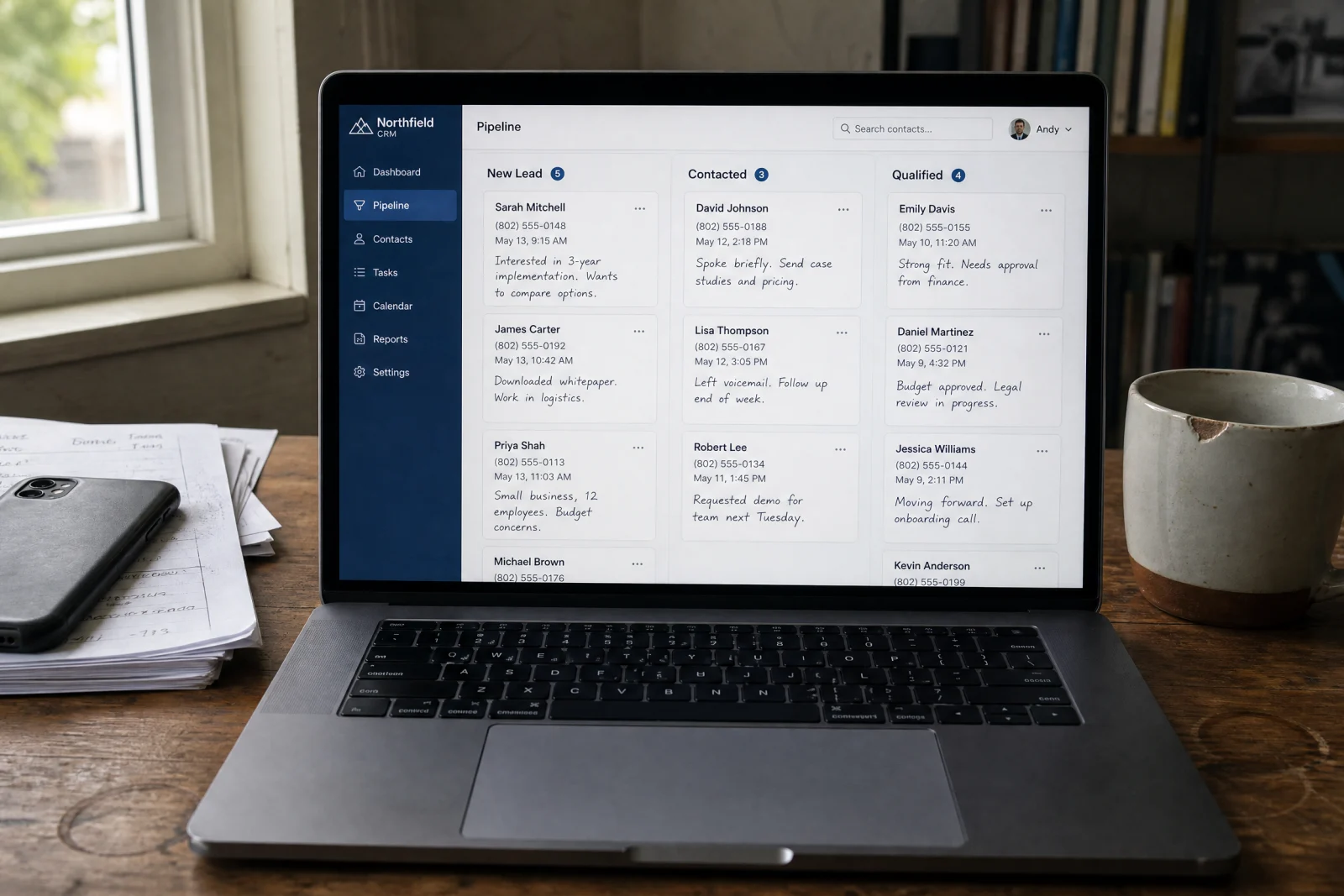
We rebuilt the entire flow in a week. Every form submission now triggers an instant text to the owner’s phone with the lead’s name, number, and what they need. The lead also gets added automatically to a simple CRM that tracks every interaction—who called, when, what was said, and what happens next. If nobody contacts the lead within fifteen minutes, the system sends a second alert. If the lead does not convert within three days, it moves to a follow-up sequence with a scheduled callback reminder.
The mechanics are not complicated. The form connects to the lead management system through an integration that takes about twenty minutes to set up. The CRM logs every call and text automatically, so the team does not have to remember to update anything. And the follow-up reminders mean leads do not get forgotten in the chaos of running service calls all day.
We also added an automatic text response that goes out the moment a lead submits the form. It says something simple: “Thanks for reaching out. We got your request and someone will call you within fifteen minutes.” That one text changed everything. Even if the owner was on a ladder and could not call immediately, the lead knew they had been heard. They stopped calling competitors while waiting.
The HVAC company went from closing two jobs a month from their website to closing eleven. Same ads. Same traffic. Same budget. The only thing that changed was the system that handled the leads after they came in. The owner told us later that he had been ready to cancel the ads entirely because he thought they were not working. Turns out they were working fine. His follow-up was the problem.
Three months later, he called us back with an update. He had hired a part-time dispatcher whose only job was managing the lead flow and scheduling estimates. The cost was eight hundred dollars a month. The additional revenue from better lead conversion was over twelve thousand. The return on investment was obvious. He said the only thing he regretted was not fixing it a year earlier.
Picking Lead Management System Software That Won’t Get Abandoned
We recommend lead management system software that integrates with the tools service businesses already use—Google, their phone system, their calendar. The best setups we have seen use platforms like HubSpot or Salesforce, but only if the business has someone who can actually manage them. HubSpot works well for teams that need automation and reporting without hiring a data analyst to set it up. Salesforce is overkill for most service businesses unless they are running multiple locations.

For smaller operations, we have had good results with simpler CRM systems that focus on speed and ease of use instead of features nobody touches. The key is whether the team will actually use it. A fancy system that requires ten clicks to log a call will get abandoned within a month. A simple one that auto-logs everything and sends reminders will stick.
The best lead management system is not the one with the most features. It is the one that requires the least effort to maintain. If your team has to manually enter data, they will not do it consistently. If the system does not send automatic reminders, follow-ups will get forgotten. If it takes more than thirty seconds to see the status of a lead, nobody will check it when they are busy.
Look for systems that offer automatic call logging through phone integration, text message automation for instant lead acknowledgment, and simple pipeline views that show every lead and where it stands. Bonus points if it integrates with your calendar so you can schedule estimates without switching between three different apps. The goal is to reduce friction, not add steps. According to the Small Business Administration, managing customer relationships effectively is one of the core pillars of sustainable business growth.
One electrician we worked with tried four different CRM platforms before finding one that stuck. The first was too expensive. The second required too much manual data entry. The third had a mobile app that barely worked, which was a disaster since he was always in the field. The fourth one was simple, fast, and automated everything he needed. He has been using it for two years now without a single complaint. The difference was not the features—it was the fit.
Audit Your System This Week—Here’s What Actually Changes
Pull up your lead data right now and answer three questions. Where do leads actually go when they arrive? Who follows up, and how long does it take? What percentage of inquiries turn into jobs?

If you cannot answer all three without guessing, your lead management system is the problem—not your leads. They assume the leads are bad or the market is slow, when the real issue is that half their inquiries are slipping through the cracks.
Start by tracking every lead source for one week. Write down where each inquiry comes from, what time it arrives, when someone makes contact, and what happens next. Do not change your process yet— document what is actually happening. You will probably be horrified by what you find, and that is good. You cannot fix what you will not acknowledge.
One painter did this exercise and discovered that he was losing every single lead that came in after five PM. His phone went to voicemail, his email did not get checked until morning, and by the time he followed up, the homeowner had already booked someone else. He was losing thirty percent of his leads simply because of when they happened to reach out. His close rate jumped twelve percent in the first month.
The fix is not buying more leads. The fix is building a system that can handle the ones you already have. Start by consolidating where leads land—one inbox, one CRM, one place the whole team checks. Then set up automatic alerts so nobody has to remember to follow up. Then track every lead from inquiry to close so you can see where the drop-off happens.
The tracking piece is what makes everything else work. Without data, you are guessing. With data, you know exactly where the problem is. Maybe your response time is fine but your follow-up after the first call is nonexistent. Maybe you are great at calling leads back but terrible at sending quotes. Maybe your close rate on phone leads is twice as high as your close rate on form submissions, which means you should be driving more people to call instead of fill out forms. You will not know any of this until you track it.
That roofer we mentioned at the start made all three changes in two weeks. His close rate went from five percent to thirty-two percent in the first month. Same marketing. Same budget. Same leads. He stopped losing them to disorganization and slow follow-up. If you are drowning in inquiries but booking nothing, the problem is not the leads. It is what happens after they reach out.
Six months later, he sent us a message. He had hired two more crews and was turning down work because he was booked out three weeks. He was not spending any more on marketing than he had been when he called us. He was converting the leads he was already paying for. That is what happens when you fix the system instead of blaming the leads. If you are not sure where your own inquiries are disappearing, our lead-capture audit walks through the same tracking exercise we ran for him.