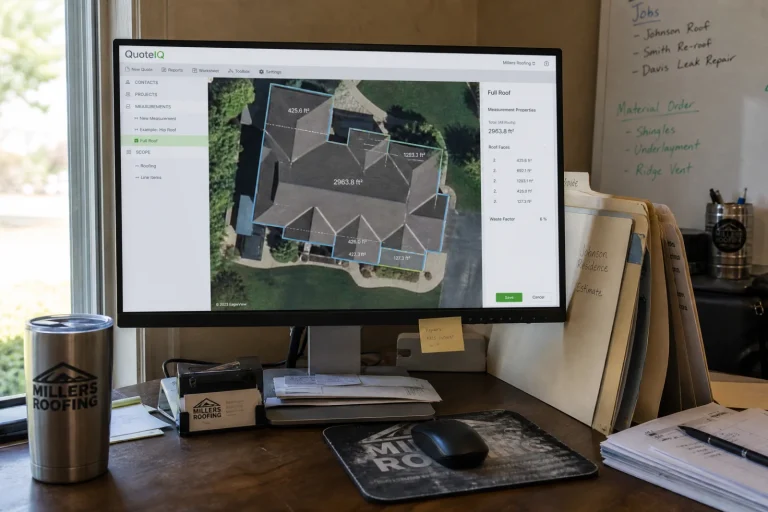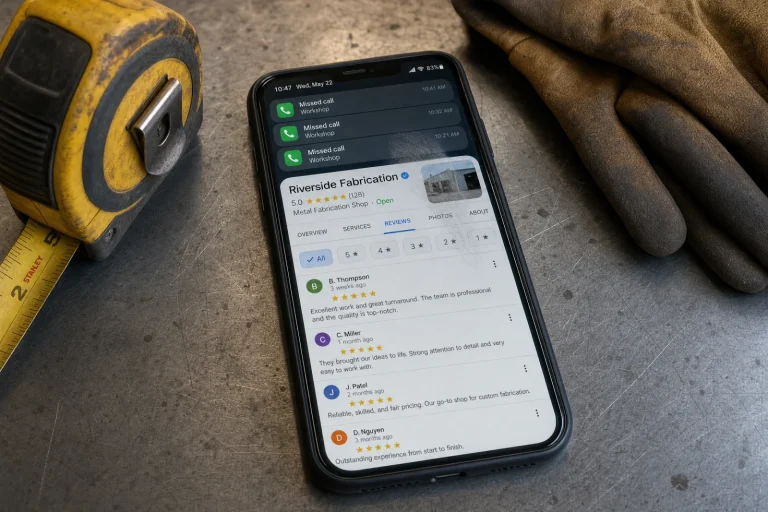
A roofing contractor in Tampa had been in business for eleven years when he called us last spring. He was getting maybe two calls a month from Google, while a company that opened six months earlier was booked three weeks out. We pulled up both profiles. His had a business name, a phone number, and nothing else. The competitor had nineteen photos, complete service hours, twelve five-star reviews, and every service area filled in. The homeowner looking at both profiles on a phone screen at ten at night is not doing research. They are calling whoever looks real and ready to work. That gap between a half-finished listing and a complete Google Business Profile setup is the entire reason most contractors lose jobs before they even know they are competing.
We have been setting up and fixing Google Business Profiles for service businesses since 2018, and the pattern is always the same. A plumber or electrician claims their profile, adds their phone number, and figures that is enough. Then they wonder why the calls never come. Meanwhile, a competitor with a complete Google Business Profile setup is getting the work. The homeowner is not choosing based on who has been in business longer or who does better work. They are choosing based on who looks like a real company that will answer the phone.
The fix is not complicated, but it does require actually finishing the Google Business Profile setup instead of stopping halfway. We are going to walk through the seven steps most contractors skip, the ones that actually move the needle between a profile that sits there and one that brings in calls every week.
The Verification Trap That Stops Most Contractors Cold
The single biggest roadblock is the postcard. Google mails a verification code to your business address, and if that address is wrong in their system or if you work out of your house and do not want that address public, the whole thing stalls. We have watched contractors wait three weeks for a postcard that never shows up because the address on file was an old office they left two years ago.
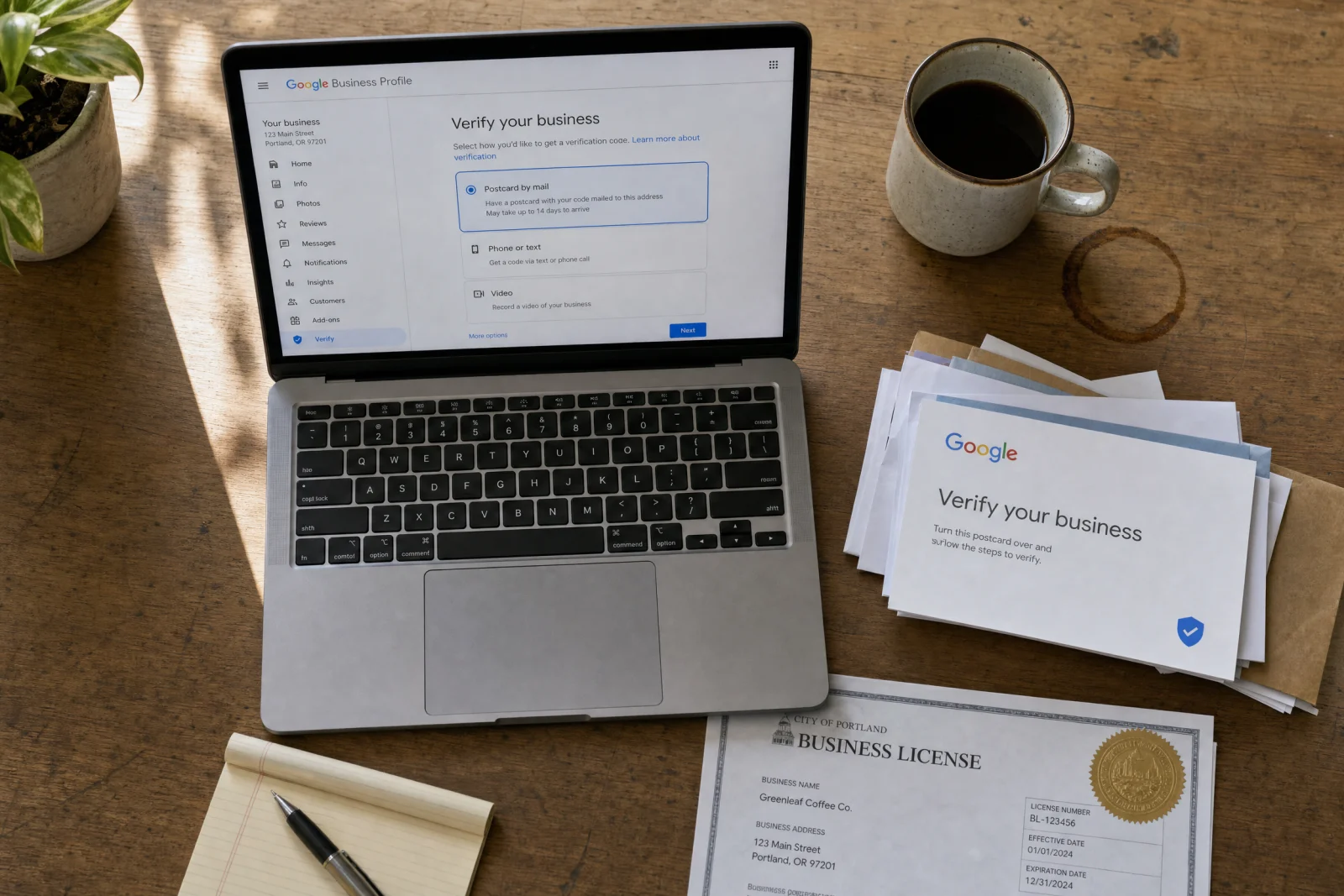
Phone verification fails half the time because the number does not match what Google already has listed, and video verification gets rejected by support contractors who seem to be following a script nobody wrote down.
If the postcard stalls, contact Google Support through the contact form buried in the Business Profile help docs, and have your business license and other ownership documents ready before you start. There is no guaranteed shortcut or timeline, but in our experience, consistent business details, complete documents, and fast answers to their follow-up questions are what move a stuck verification along faster than waiting on another postcard that may never arrive.
What We Actually Put in Our Google Business Profile Setup That Made Homeowners Call Instead of Browse
We tried the obvious stuff first. Nobody called. The profile had been live for two months and brought in maybe one inquiry. So we went back and rewrote every field like we were talking to someone whose air conditioner died at nine PM in July.
Instead of “quality HVAC services,” we wrote “AC repair, furnace replacement, duct cleaning, and emergency same-day service for broken systems.” Specific problems, specific fixes. That is the part of Google Business Profile setup most contractors skip: translating services into the urgent language customers actually search. The calls started coming in within a week.
Photos made an even bigger difference. We added twelve images: the team standing in front of the truck, a before-and-after of a duct cleaning job, a close-up of a new thermostat install, and a few shots of the warehouse where they keep parts in stock. Homeowners want to see who is going to show up at their house. A profile with no photos feels like a fake listing or a company that went out of business.
The service areas section is the one almost everyone leaves blank. A plumbing company we worked with last year served eight counties but only listed their home city. They were losing calls from people twenty miles away who assumed the company did not cover their area. We added every zip code they served, and the call volume doubled in three weeks. Google shows your profile to people searching in those areas, but only if you actually list them.
Attributes matter more than most contractors think. “Veteran-owned,” “locally owned and operated,” “emergency service available”—these show up as little badges on your profile, and homeowners filter by them. We have seen profiles get more clicks by checking the right boxes during your Google Business Profile setup. It takes five minutes and costs nothing.
Hours are another trust signal. If your profile says “hours not available,” people assume you are not open or not serious. Even if you work by appointment only, put something in there. “Monday through Saturday, 7 AM to 6 PM, emergency service available 24/7” tells the homeowner you are a real business that will pick up the phone.
Getting Real Reviews From Actual Customers Without Sounding Like You’re Begging
Every contractor we talk to hates asking for reviews. It feels awkward, and most of them skip it. Then they wonder why their profile has two reviews from 2019 while their competitor has thirty-seven.
The method that actually works is a text message twenty-four hours after you finish the job. Not an email—nobody checks those. Not in person while you are packing up your tools—people say yes and then forget. A text with a direct link to your Google review page, sent the next day while the customer is still happy. We set this up for an electrician in Fort Myers, and he went from three reviews to forty-one in six months. The message was simple: “Thanks for trusting us with your panel upgrade yesterday. If you have a minute, we’d really appreciate a review. Here’s the link: [direct Google review URL].”
Do not offer discounts or gift cards for reviews—Google will delete them and possibly suspend your profile. And when you get a bad review, respond to it professionally and publicly. Acknowledge the problem, explain what you are doing to fix it, and move on. Deleting it is not an option, and ignoring it makes you look like you do not care.
How to Know If Your Profile Is Actually Bringing in Work
Most contractors have no idea whether their profile is doing anything. They claim it, fill it out, and assume it is working. Then six months later they are still not getting calls and they blame Google.
The Google Business Profile dashboard shows you exactly what is happening. Calls, direction requests, website clicks, and the search terms people used to find you. Calls are the metric that matters most for contractors. If people are viewing your profile but not calling, your phone number is buried or your photos make you look unprofessional. If people are calling but not booking, the problem is how you answer the phone, not your profile.
Direction requests mean someone is ready to visit your shop or meet you at a job site. Website clicks mean they want more information before they commit. If your profile is getting views but no actions, go back to section three and add more photos and fill in your service areas. If your profile is not getting views at all, you need more reviews. Google prioritizes profiles with recent activity, and reviews are the fastest way to signal that you are still in business and people trust you. If you are not sure whether your website is helping or hurting once people click through, our website scorecard walks through the same trust signals and contact-form checks that actually move the needle for service businesses. We also help contractors tie their profile performance directly to their overall local SEO strategy so the calls keep coming from multiple sources, not one listing.
Service Area Setup for Contractors Without a Storefront
This is where most service businesses get stuck. You work out of your house or a warehouse that customers never visit, so you hide your address and add service areas instead. Google allows this, but the setup process is confusing and the help docs are written for retail stores.
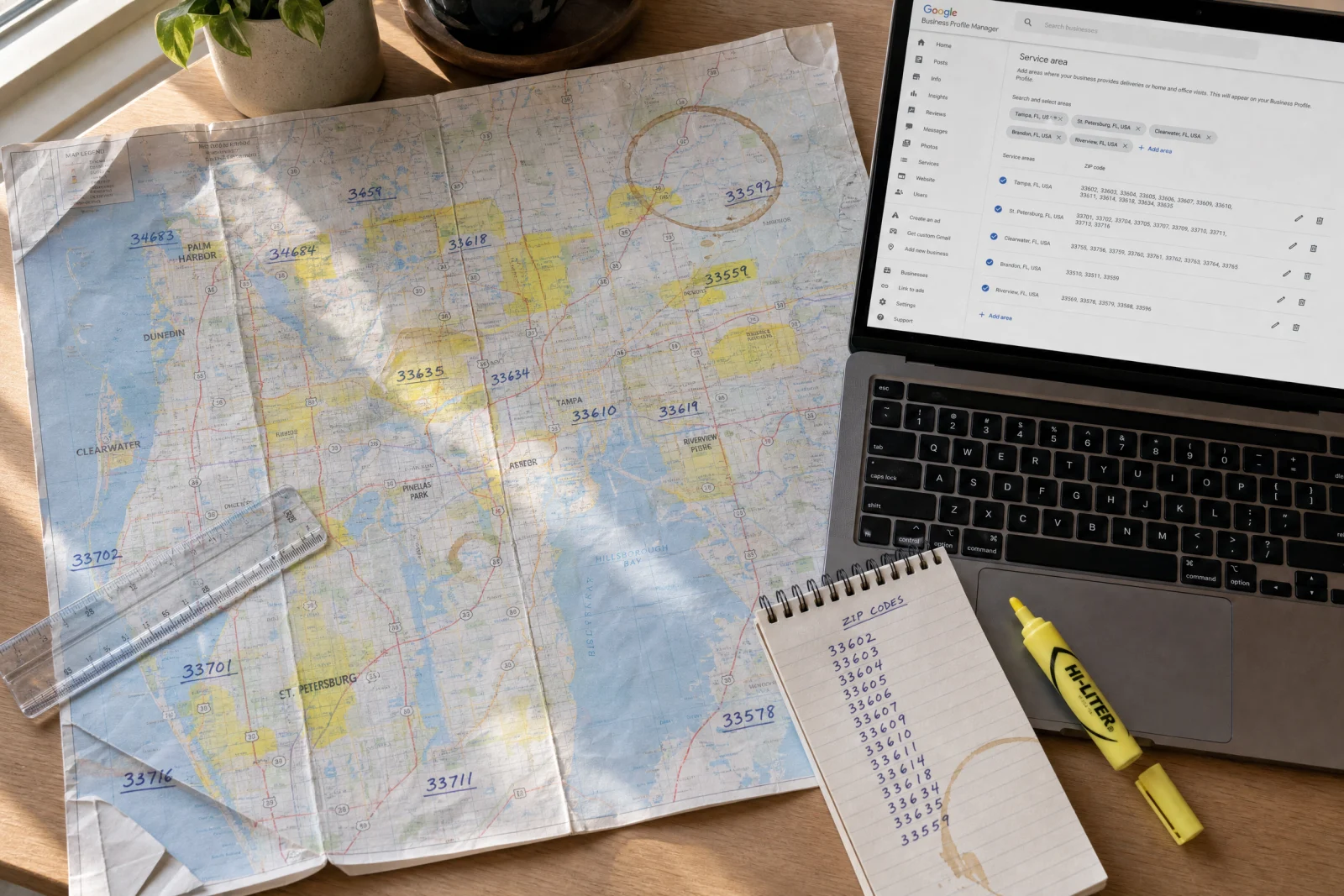
A garage door company we worked with wanted to cover three counties in North Carolina. They listed their home city, added the three county names as service areas, and figured that was enough. It was not. Google wants zip codes, not county names. Service-area cleanup is where Google Business Profile setup becomes local SEO work, not just form filling. We went back and added every zip code in those three counties—forty-one total—and the profile started showing up in searches twenty miles away that it had been invisible in before.
If you serve multiple states, do not create a separate profile for every state you drive into. Google only allows additional profiles for genuinely separate locations that are staffed during business hours—a second office with a real crew, not a mailbox or a registered agent address.
A general contractor asked us about this last year. He worked in Florida and Georgia and wanted a profile in each state. Since he ran everything from one Florida office, the right move was a single profile with his service areas set to the places he actually covers. Google also expects service areas to stay reasonable—roughly a two-hour drive from your base—so a sprawling multi-state list can hurt more than it helps. Setting up profiles at addresses where nobody works is the kind of shortcut that gets listings suspended. If he ever opens a staffed Georgia office, that location can earn its own profile; until then, one honest profile beats two risky ones.
A bathroom remodeling contractor in Toronto asked us how to handle services. He also did kitchens, basements, and small additions, but bathrooms were his specialty. We told him to list everything but lead with bathrooms in the business description. Google matches your profile to search terms, so if someone searches “kitchen remodel near me” and you do not have “kitchen” anywhere in your profile, you will not show up. But if your description is a wall of text listing forty services, nobody will read it. Lead with your main thing, then mention the rest.
Google Business Profile Setup FAQ for Contractors
How long does Google Business Profile verification take?
Verification can be quick, but contractors often run into postcard, phone, or video verification delays. Keep your business name, phone number, service area, license details, and support documents consistent before you request verification.
Can contractors use a home address for Google Business Profile?
Service-area contractors can usually hide their address and list the areas they serve instead of showing a home address publicly. The important part is making the service area, phone number, business category, and ownership details accurate.
What should contractors add to a Google Business Profile?
Add accurate categories, services, service areas, hours, phone number, website link, job photos, team or truck photos, review requests, and a business description that names the specific jobs customers search for.
Does Google Business Profile help contractors show up in Maps?
Yes. A complete and active profile can help contractors appear in local Google Search and Maps results, especially when the profile matches the service, location, review, and trust signals a homeowner is comparing.
If your profile is complete but calls are still weak, the next problem is usually the website, reviews, or follow-up system behind the profile. Blue Coast can help connect the profile to your on-page SEO, website trust signals, and lead follow-up workflow.
Claim Your Profile This Week
If you have not claimed your Google Business Profile yet, someone else might. We have seen competitors claim a contractor’s profile, change the phone number to their own, and steal calls for months before anyone noticed. Google does not verify that the person claiming a profile actually owns the business until after the claim goes through.
Go to Google’s Business Profile Manager, search for your business name, and click “Claim this business.” If it is already claimed and it is not you, click “Request access” and follow the steps to prove you own it. Google will ask for your business license, a utility bill with your business address, or another document that shows you are the owner. Once you are in, go straight to the service areas section and add every zip code you cover. Then upload at least six photos: your team, your truck, a couple of finished jobs, and your shop or warehouse if you have one.
That roofing contractor from Tampa finished his Google Business Profile setup three weeks after we walked him through it. He added photos, filled in his service areas, asked his last ten customers for reviews, and updated his hours. Two months later he called to tell us he was booked five weeks out and had to hire another crew. The competitor who had been beating him was still getting calls, but now he was getting them too. The jobs were going to whoever looked real and ready to work, and for the first time in a year, that included him.