Business automation services help service companies eliminate the manual work that drains teams and costs customers. This guide shows you exactly where your business is bleeding time and money, and which business automation services actually solve the problem before you make the wrong next move.
The 15 Hours Your Team Loses Every Week (And Why It’s Worse Than You Think)
A plumbing company called us last fall because their website was bringing in leads, but half of them were going cold. The owner thought the problem was the contact form. We pulled up their backend and saw something else entirely.
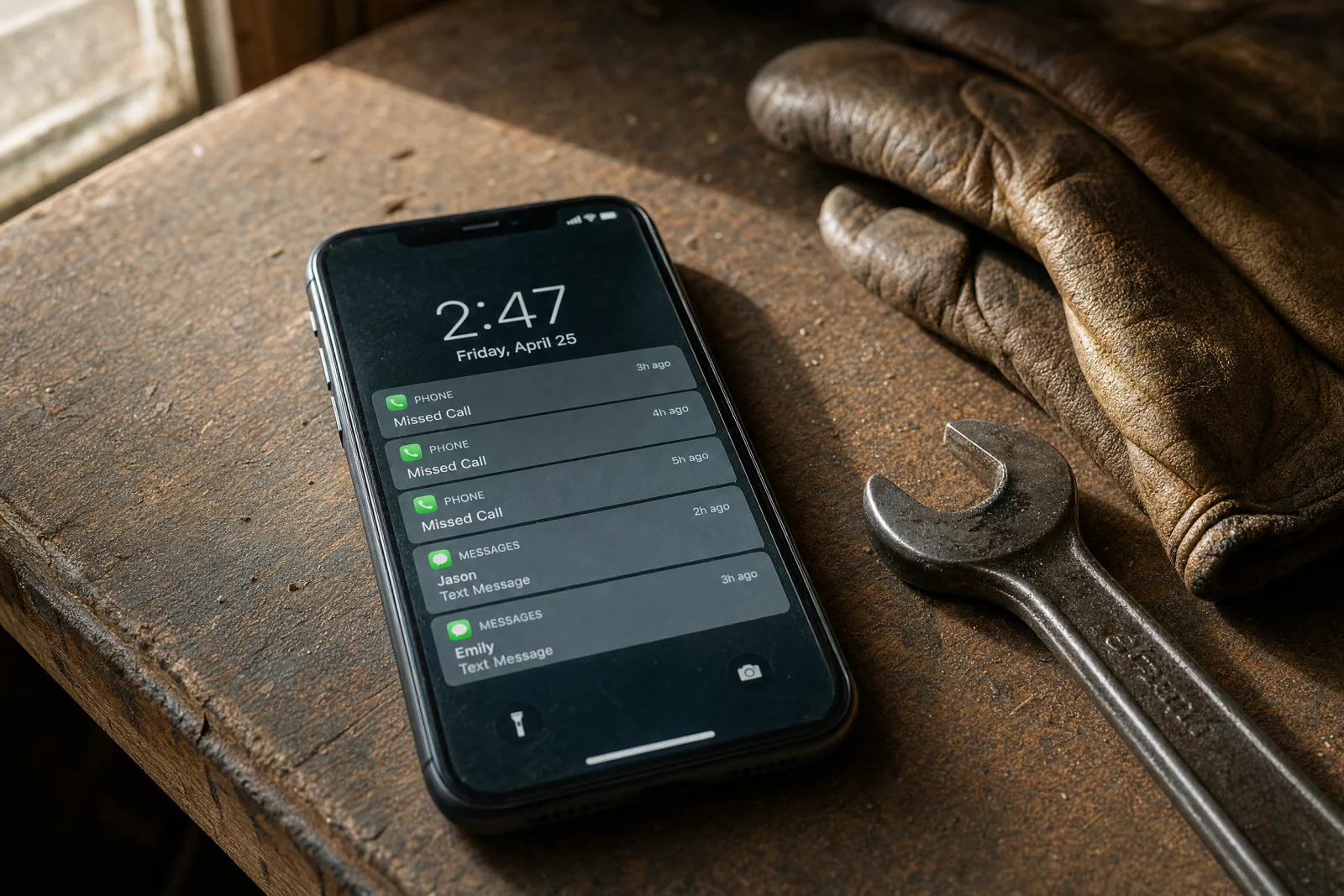
Every morning, the office manager printed the overnight form submissions, typed each one into their scheduling software by hand, then called the customer to confirm the appointment. If the customer did not answer, she wrote a note on a sticky and tried again later. By the time she finished the morning batch, it was almost noon. The leads that came in at 8pm the night before were getting their first callback twelve hours later.
One Friday, three emergency AC repair requests came in after 6pm. All three hired a competitor by Saturday morning.
The owner knew they were losing time. What he did not realize was the compounding cost. The office manager was working ten-hour days to keep up with manual data entry. Two techs were sitting idle Tuesday morning because the schedule was not updated in time. And every lead that sat for more than an hour had about a 60% chance of hiring someone else, which meant the marketing budget was paying for jobs the company never even got a shot at.
We see this pattern in almost every service business we work with. The time drain is not the fifteen hours a week spent on repetitive tasks. It is the overtime pay to catch up, the leads that go to faster competitors, the good employees who quit because the job feels like busywork, and the jobs that get missed because someone forgot to follow up. This is exactly where business automation services make the biggest impact—eliminating the manual work that drains your team and costs you customers. But when we add it up—the labor cost, the lost revenue, the turnover—it usually comes out to somewhere between $30,000 and $80,000 a year for a company with five to ten employees.
The plumbing company fixed it with one automation. Form submissions now fire a text to the on-call tech within sixty seconds, and the lead gets an auto-reply with the company’s phone number and an estimated callback time. The office manager still handles scheduling, but she is not retyping forms or chasing down leads that are already gone. She leaves at 5pm now, and the company is closing about 40% more emergency calls than they were six months ago.
What Actually Separates Business Automation Services That Work From Expensive Distractions
Most automation fails because service companies buy features, not solutions.
We have watched HVAC shops sign up for platforms that promise to automate everything, then spend three months trying to configure workflows that still do not connect to their existing CRM. The tool had a hundred features. None of them solved the actual problem, which was that nobody was calling leads back within five minutes.
The business automation services that actually work for service companies share three things. First, they integrate with what you already use. If your team is in ServiceTitan or Housecall Pro or even Google Calendar, the automation has to plug in without rebuilding your entire operation. Second, setup takes hours, not weeks. If you need a developer or a consultant to make it run, it is not automation—it is a custom software project. Third, you see ROI in sixty days or less. Real automation saves time or closes more jobs fast enough that you know it is working before the second invoice hits. A tool that sends a text to your on-call tech when a form is submitted is worth more than a platform with machine learning if the machine learning does not actually save you time or make you money.
We have tested more than a dozen platforms over the last two years. The ones that stuck around were the ones that solved one problem really well and got out of the way. The ones that failed were the ones that tried to do everything and required a manual to figure out how to do anything.
The Two Automation Moves That Actually Move the Needle (Plus Why Everything Else Is Secondary)
An HVAC company in Georgia called us in early 2025 because their close rate was stuck at about 30%, and they could not figure out why. The leads were good. The techs were solid. But seven out of ten estimates were turning into nothing.
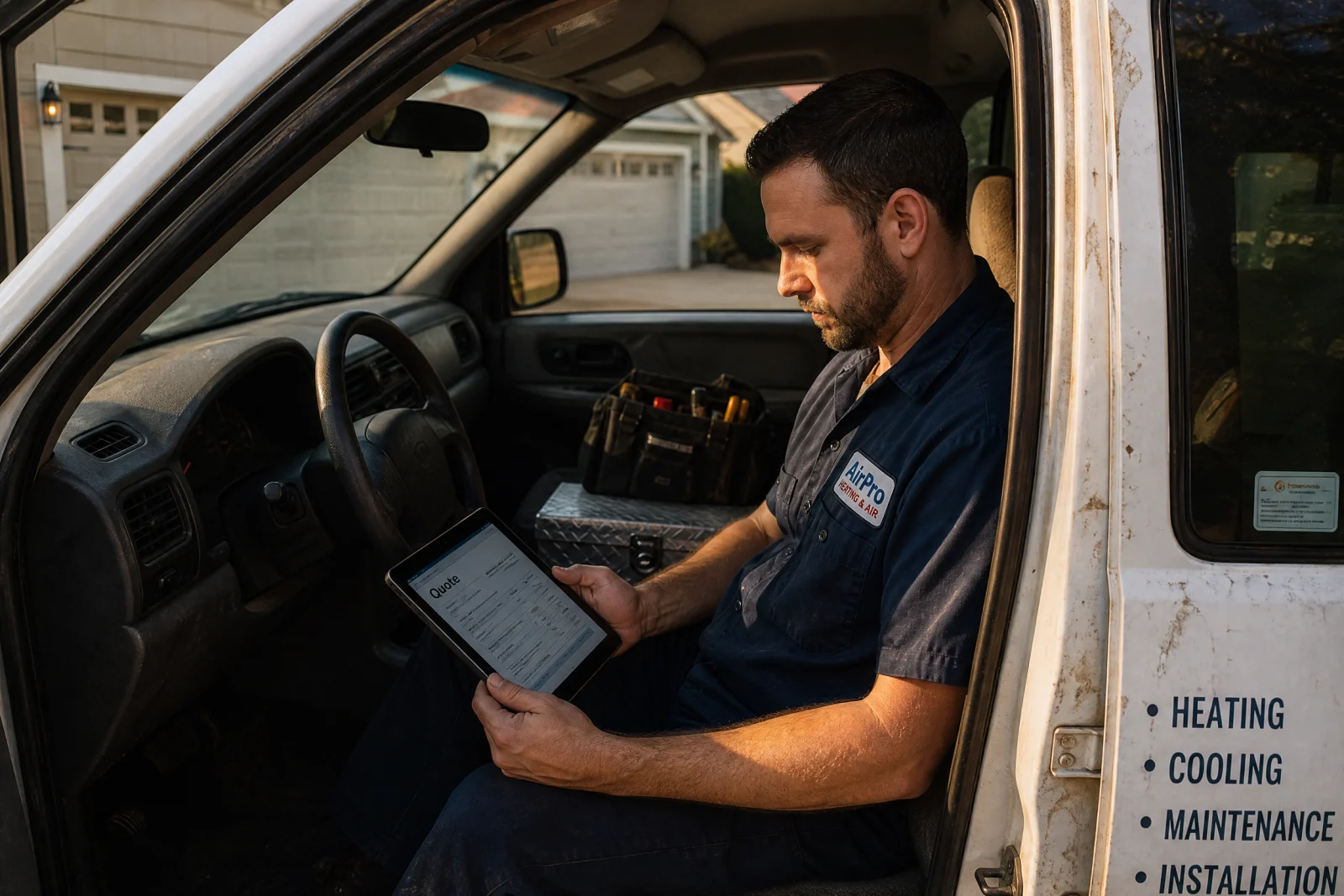
We asked how long it took them to send a quote after the service call. The owner said usually a day or two, sometimes three if the office was busy. That was the problem.
They were using a system where the tech wrote notes on paper, brought them back to the office, and the office manager typed up a quote in Word, saved it as a PDF, and emailed it to the customer. By the time the customer got the quote, they had already called two other companies and gotten faster responses.
We set up an automation that let the tech generate a quote on their phone while still at the job site. The system pulled pricing from their existing rate sheet, added the customer info from the CRM, and sent the PDF to the customer’s email before the tech left the driveway. The whole process went from 48 hours to about two minutes.
Close rate went from 30% to 47% in the first sixty days.
The second problem they tackled was follow-up. Even with faster quotes, some customers were not responding. The old process was to wait a week, then have the office manager call and leave a voicemail. Most of those calls went nowhere.
They added a simple sequence: if the customer did not respond to the quote in 24 hours, the system sent a text asking if they had any questions. If they still did not respond after three days, it sent one more message with a link to schedule the work online. No phone tag, no voicemails, no office manager spending an hour a day chasing people down.
That added another 8% to the close rate, and it ran itself.
The one mistake they made early on was trying to automate too much at once. They tried to set up automated scheduling, invoicing, and review requests all in the same week. The team got confused, customers started getting duplicate messages, and the owner almost shut the whole thing down. We told him to pick one thing, let it run for two weeks, then add the next piece. Once they slowed down, it worked.
Most service businesses have two bottlenecks: getting back to leads fast, and following up without burning staff time. Fix those two, and everything else gets easier. The rest of the automation—scheduling, invoicing, review requests—matters, but it does not move the needle the way speed and follow-up do.
The 15 Business Automation Services We Actually Recommend
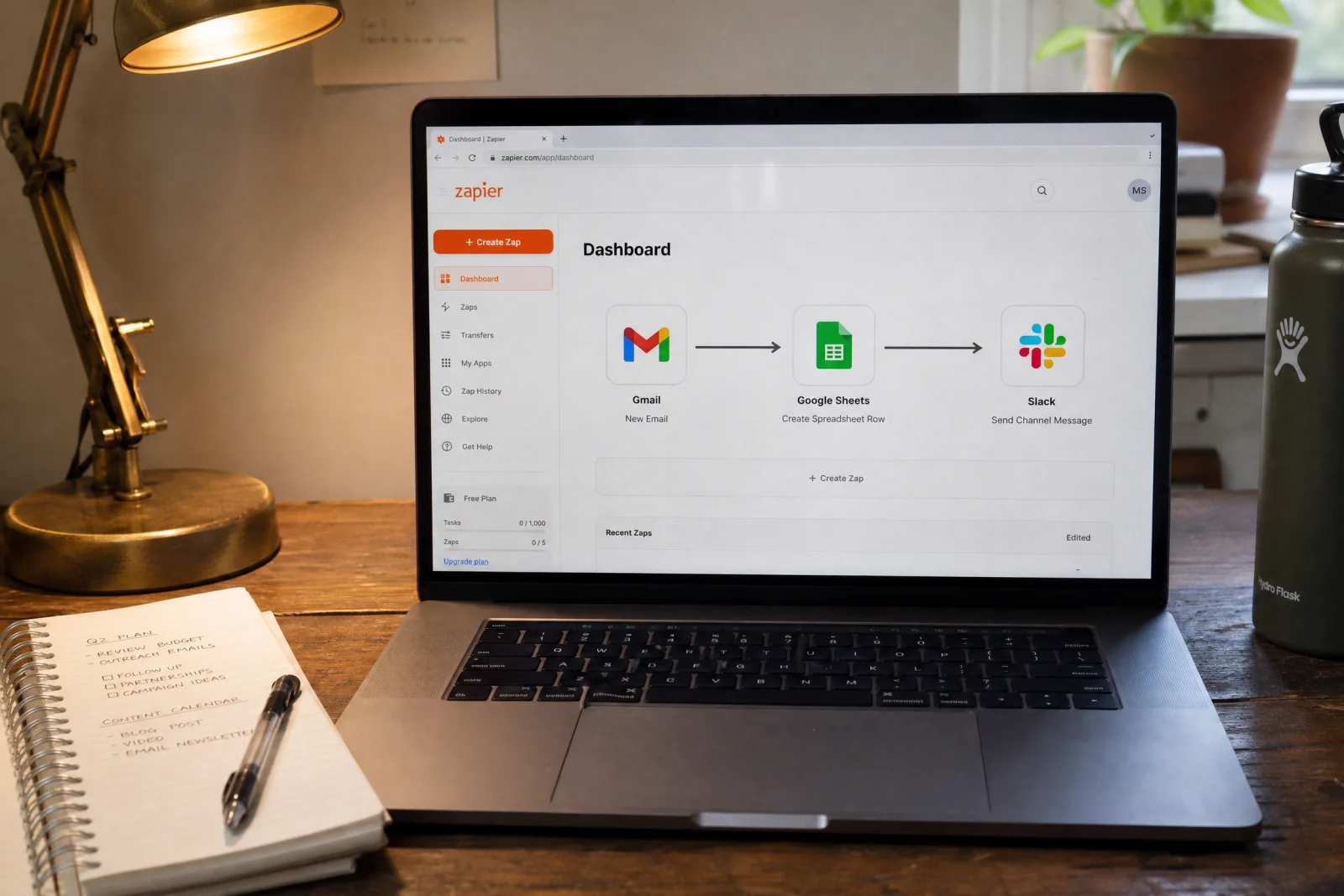
We keep coming back to Zapier because it connects your existing tools without rebuilding everything. A cleaning company we work with uses it to pull form submissions from their website, drop them into their CRM, send a text to the customer, and fire a Slack message to the team lead. Setup took about twenty minutes, and it has run without a single failure for eight months. The free plan covers most small service businesses, and the paid tiers are cheap enough that you are not thinking about the cost.
Make is the other one we recommend when Zapier does not fit. It handles more complex workflows—like pulling data from multiple sources, running conditional logic, and reformatting information before it hits the next tool. An electrician used it to pull job details from their scheduling software, check inventory levels in their spreadsheet, and auto-generate a purchase order if parts were low. Zapier could not do that without a lot of workarounds. Make did it in one workflow.
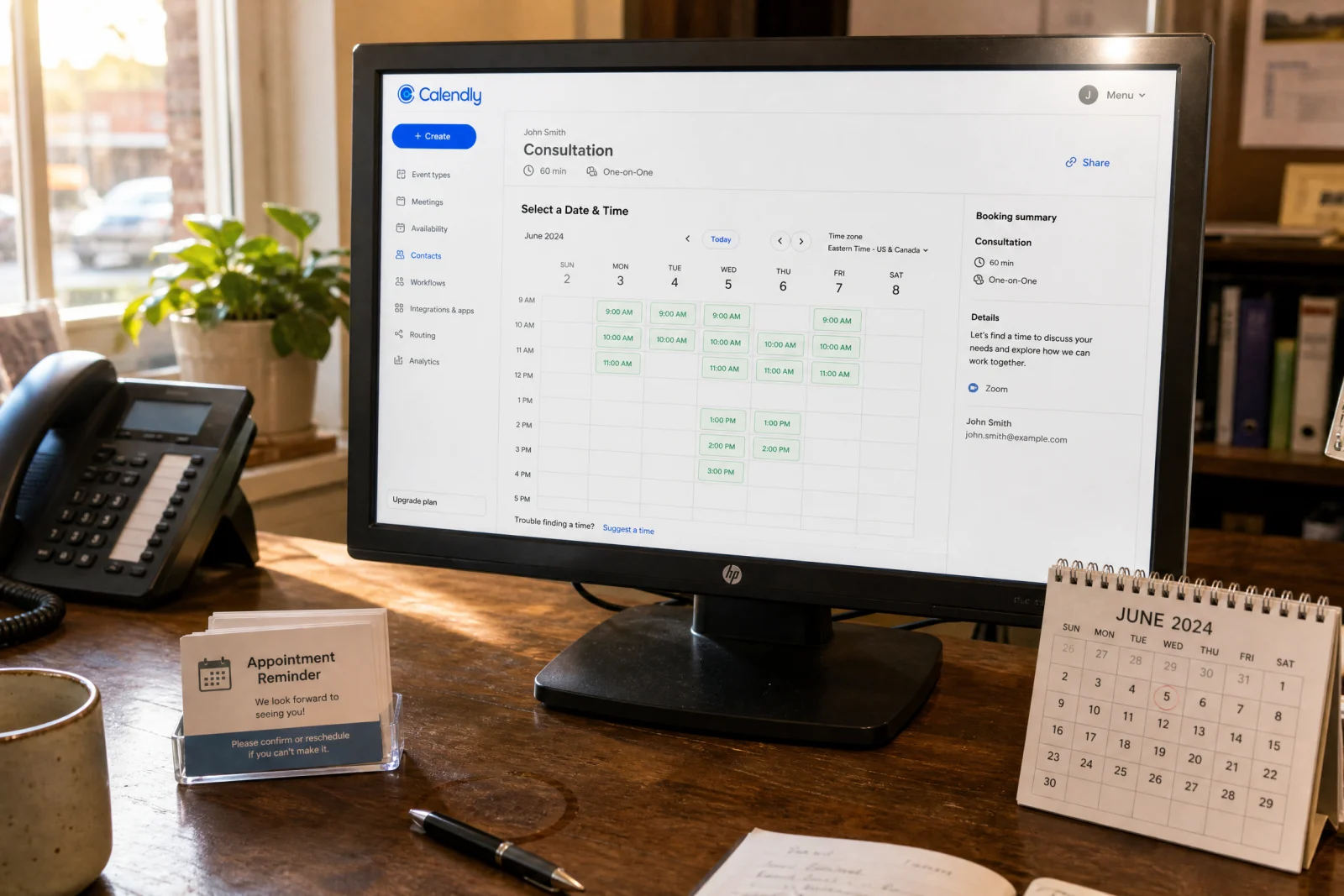
For service businesses that need scheduling automation specifically, Calendly and Acuity are both solid. Calendly is faster to set up and works great for estimate appointments or consultation calls. Acuity has more customization if you need intake forms, deposits, or multi-step booking. We have seen both work well depending on how complicated the scheduling process is.
If your CRM is already handling most of your workflow, the automation is probably built in. Platforms like ServiceTitan, Housecall Pro, and Jobber all have native automation for follow-up, review requests, and appointment reminders. The catch is that you are locked into their ecosystem, and if you ever want to switch, you are starting over. But if you are already paying for one of those platforms, use the automation that is already there before you add another tool on top of it.
For text message automation, Twilio is the backbone most other services run on, but unless you have a developer, you are better off using something like SimpleTexting or EZ Texting that wraps Twilio in an interface you can actually use. Both let you send automated texts based on triggers—form submission, missed call, appointment reminder—without writing code. The one thing to watch is volume: pricing on these platforms scales with how many messages you send, so a busy shop running appointment reminders and follow-up sequences should check the per-message costs before committing.
For document automation—contracts, invoices, proposals—PandaDoc and Proposify both work well. PandaDoc is faster and cheaper. Proposify has better templates if you are sending a lot of branded proposals. Both integrate with most CRMs and let you track when a customer opens the document, which is useful for follow-up.
If you need workflow automation inside a specific platform like SharePoint or Acumatica, the built-in tools usually work, but they have limits. Automation Anywhere and UiPath are enterprise-grade options that can handle more complex processes, but they require setup and licensing that most small service businesses do not need. We have only recommended them twice, both times for companies with more than fifty employees and very specific compliance requirements.
Other platforms like n8n and various custom agent builders exist, but they either require developer setup, lock you into their ecosystem, or cost three times more for the same outcome. Unless you have a very specific use case that nothing else solves, stick with the tools that integrate with what you already have and do not require a manual to figure out.
The Money Actually Comes Back (Here’s What Service Companies See in Year One)
One plumbing company cut quote turnaround from 48 hours to 2 hours and closed 23% more jobs in the first ninety days. That translated to about $47,000 in additional revenue without spending a dollar more on marketing.

The savings show up in a few places. Labor hours reclaimed is the most obvious. The office manager who was spending fifteen hours a week on manual data entry and follow-up calls is now spending about three. That is twelve hours a week freed up for actual customer service, scheduling, or going home on time. At $25 an hour, that is $15,600 a year in labor cost that is either saved or redirected to higher-value work.
Faster cash flow is harder to measure but as real. When invoices go out the same day instead of three days later, customers pay faster. One HVAC shop cut their average payment time from 18 days to 11 days by automating invoice delivery and follow-up reminders. That is a week of cash flow they got back without changing their payment terms.
Fewer missed leads is where the big money is. If you are spending $500 a month on ads and losing half your leads because follow-up is slow, you are burning $3,000 a year. Automation does not make the leads better, but it makes sure you actually get a shot at closing them. The HVAC company in Georgia went from a 30% close rate to 47% without changing their pricing or their sales process. They got back to people faster and followed up consistently. If you are not sure where leads are slipping through, our lead-capture audit walks through the same checks we use to spot the gaps, and our website and automation services help local service businesses close more of the leads they are already getting.
Lower staff turnover is the one nobody tracks, but it matters. Good employees quit when the job feels like busywork. Automating the repetitive stuff—data entry, follow-up emails, appointment reminders—makes the job less frustrating and frees people up to do work that actually requires a human. We have seen service companies cut turnover in half by getting rid of the tasks that made people want to leave.
The one metric that matters most to service owners is jobs closed per month. Everything else—labor savings, faster cash flow, lower turnover—feeds into that number. If automation is working, you are closing more jobs with the same team and the same marketing budget. If it is not, you are paying for software that does not do anything.
Stop Waiting for the Perfect Moment to Start
Audit your team’s time for one week. Write down every task that repeats more than twice. That list is your automation roadmap.
Pick the top task—the one that burns the most hours or loses the most leads—and find a tool that solves it this month. Not next quarter. Not when you have time to research every option. This month.
The plumbing company that was losing emergency calls is now closing 40% more of them. The HVAC shop that was stuck at a 30% close rate is at 47%. Neither of them waited for the perfect system or the perfect moment. They picked one problem, fixed it, and moved on to the next one.
If you are still manually retyping form submissions or chasing down leads three days later, you are leaving money on the table. Your competitors are already automating, and the ones who are not will not be around much longer. The right business automation services will pay for themselves in saved time and closed jobs within the first sixty days.