The Hidden Cost of Missed Calls (And Why Your Competitors Notice)
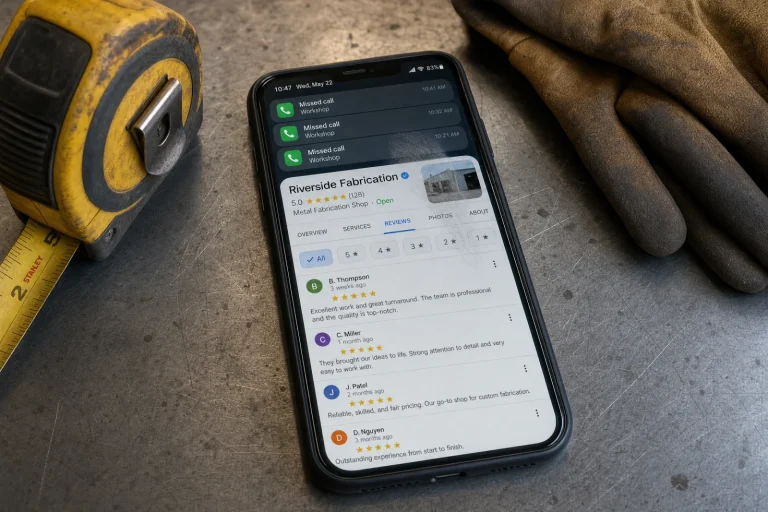
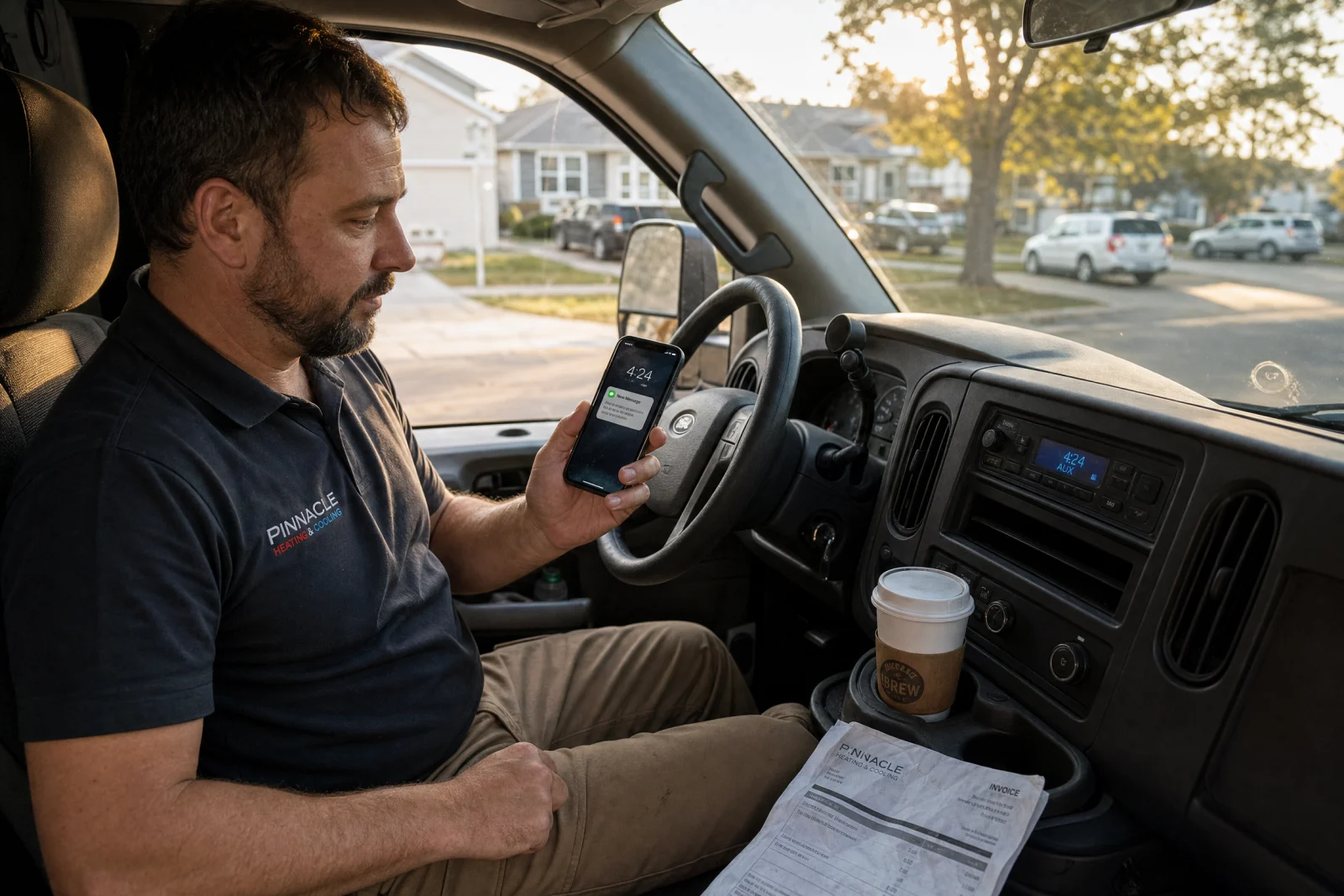
A service business owner can look at a call log on Monday morning and see the problem immediately: missed calls from people who needed help while the team was on a job, driving between appointments, or away from the desk. By the time those calls get returned, some customers have already moved on to the next company.
Free missed-call resource
Download 10 missed-call text-back templates
Use these ready-to-edit SMS templates for HVAC, plumbing, electrical, cleaning, after-hours calls, quote requests, and appointment follow-up. They are built to sound human, route replies to a real inbox, and help stop missed calls from turning into lost leads.
Includes: setup checklist, 10 templates, follow-up messages, what to avoid, and a monthly test routine.
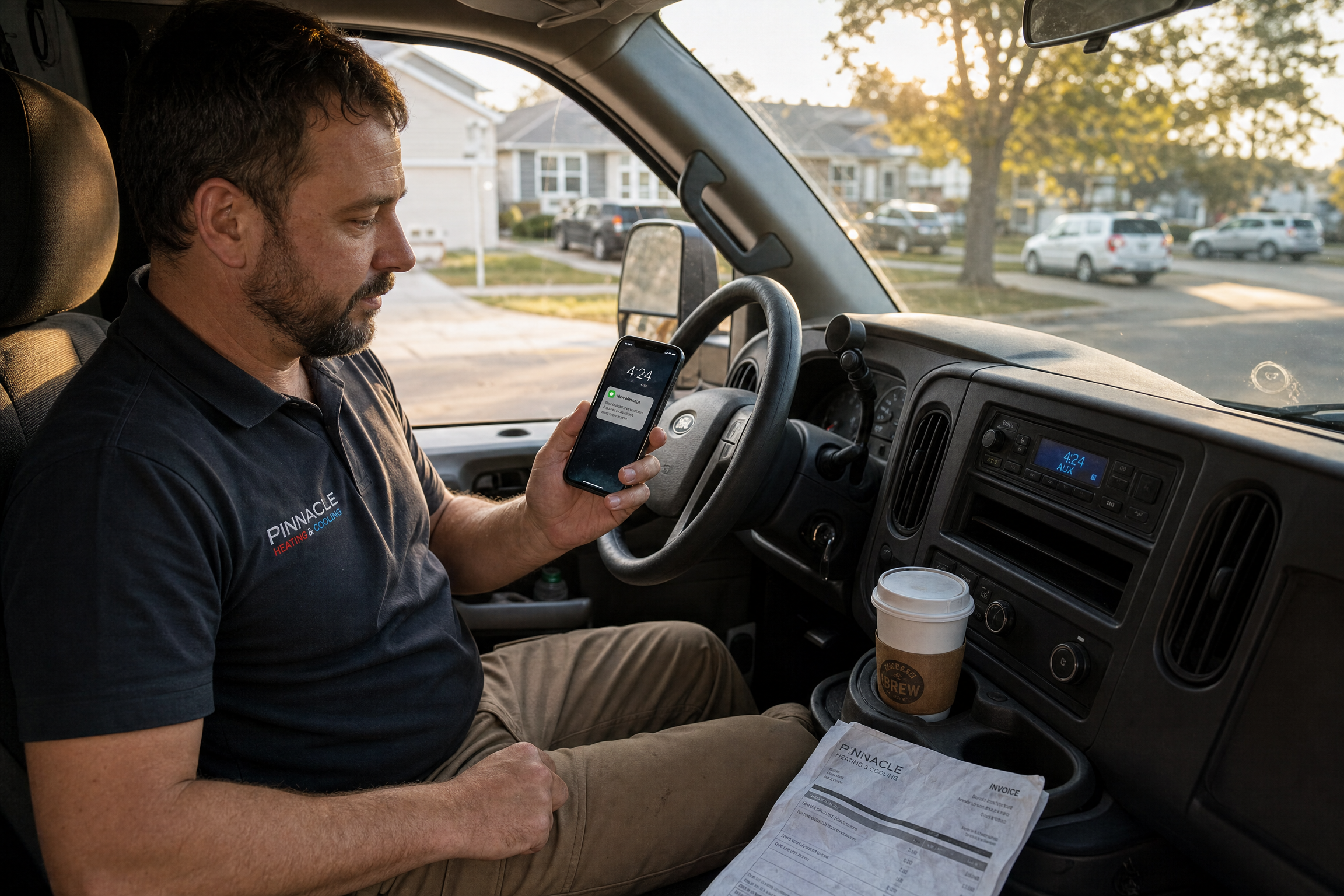
He did the math. Average job for him is about $400. If even half of those seventeen calls were real leads, and he lost four of them to faster competitors, that is $1,600 gone in one week. Over a month, that is $6,400. Over a year, it is more than $75,000 in work that went to someone who simply answered faster.
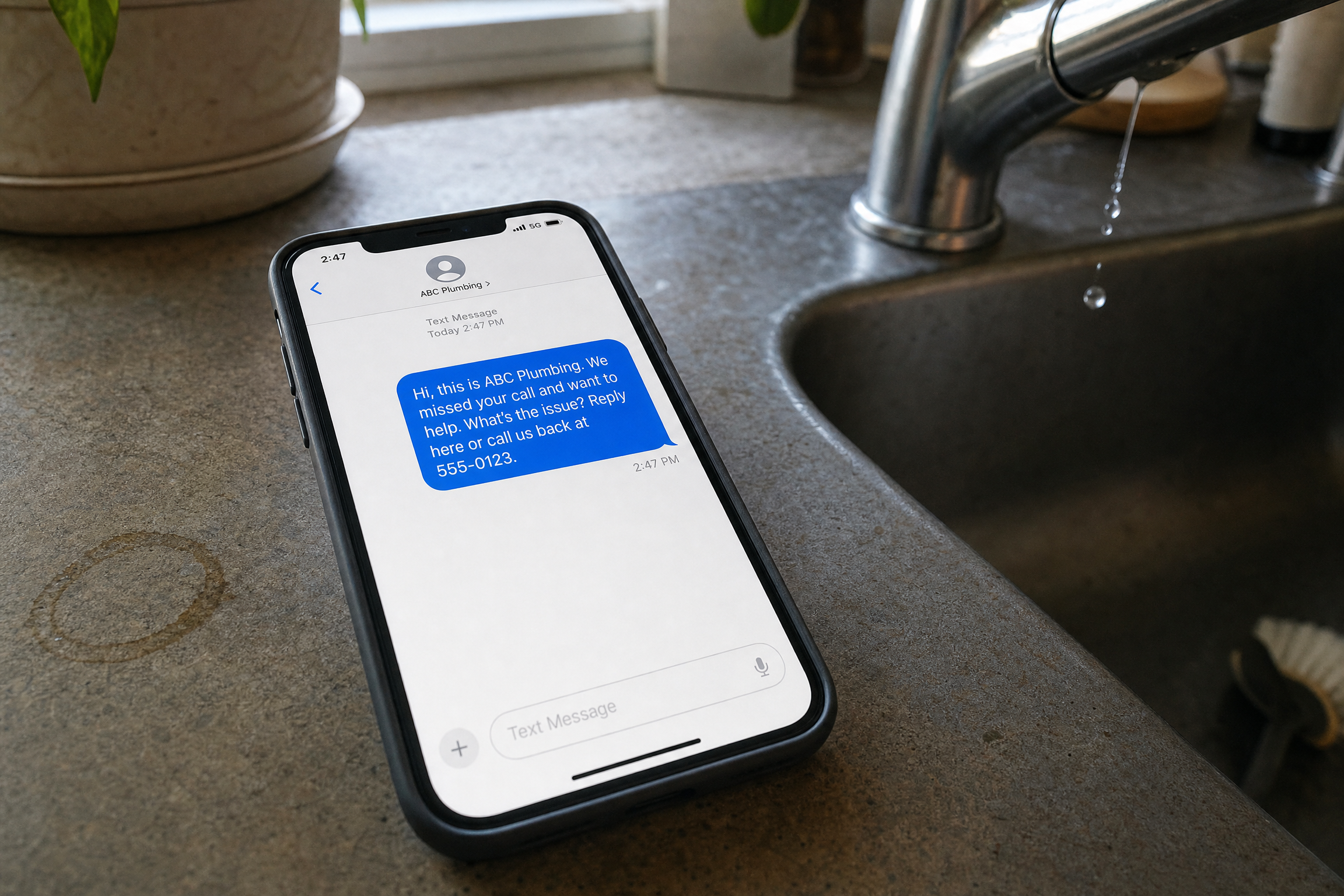
The fix took us less time than this phone call. We set up a missed call text back system that sends an automatic message the second a call goes unanswered. The message is simple: “Hi, this is [Business Name]. We missed your call and want to help. What can we assist you with? Reply here or call us back at [number].” It goes out in under thirty seconds. The customer knows someone cares. The job does not walk away.
Here is what most service business owners do not realize. When someone calls you at two in the afternoon because their AC died or their toilet is flooding, they are not calling one company. They are calling every company on the first page of Google until someone picks up. In urgent service situations, customers often choose the first business that responds clearly. Not always the best. Not always the cheapest. The first one that makes the next step easy.
If you miss that call and do nothing, you lose. If you call them back an hour later, you are already too late. But if they get a text from you thirty seconds after the call goes unanswered, you are still in the game. A simple text-back gives them a low-friction way to reply instead of forcing them to leave a voicemail. Many people will not leave a voicemail anymore. They move on to the next number.
We have been building lead systems for HVAC, plumbing, electrical, and cleaning companies since 2018, and this is the single fastest fix we have seen for businesses that are busy enough to miss calls but not big enough to hire a full-time receptionist. It does not replace answering your phone. But it stops the bleed when you cannot.
The rest of this article walks through exactly how we set this up for our own business, what the auto-response message actually needs to say, which tool we use and why everything else falls short, and how to know if your missed call text back strategy is working before you waste more time on something that does not move the needle.
Why Missed Call Text Back Beats Voicemail Every Single Time
Voicemail is dead. Not dying. Dead. Ninety-eight percent of text messages get opened. Most people check a new text within ninety seconds. Compare that to voicemail, where eighty-five percent of callers do not even leave one, and the fifteen percent who do are hoping you call them back before they find someone else.
We have watched this play out dozens of times. A customer calls, gets voicemail, hangs up, and immediately dials the next company. By the time you check your voicemail an hour later, the job is gone. A text hits their phone before they have even opened the next search result. It keeps you in the conversation.
The objection we hear most often is that texts feel impersonal. They do not. What feels impersonal is silence. A text that says “We missed your call and want to help” feels like someone is paying attention. Voicemail feels like nobody is home.
How We Set Up Missed Call Text Back in Our Own Business (And What Actually Matters)
We logged into our GoHighLevel account on a Tuesday morning in March to set up the automation for the first time. The whole process took about twenty minutes, and most of that was us overthinking the message.
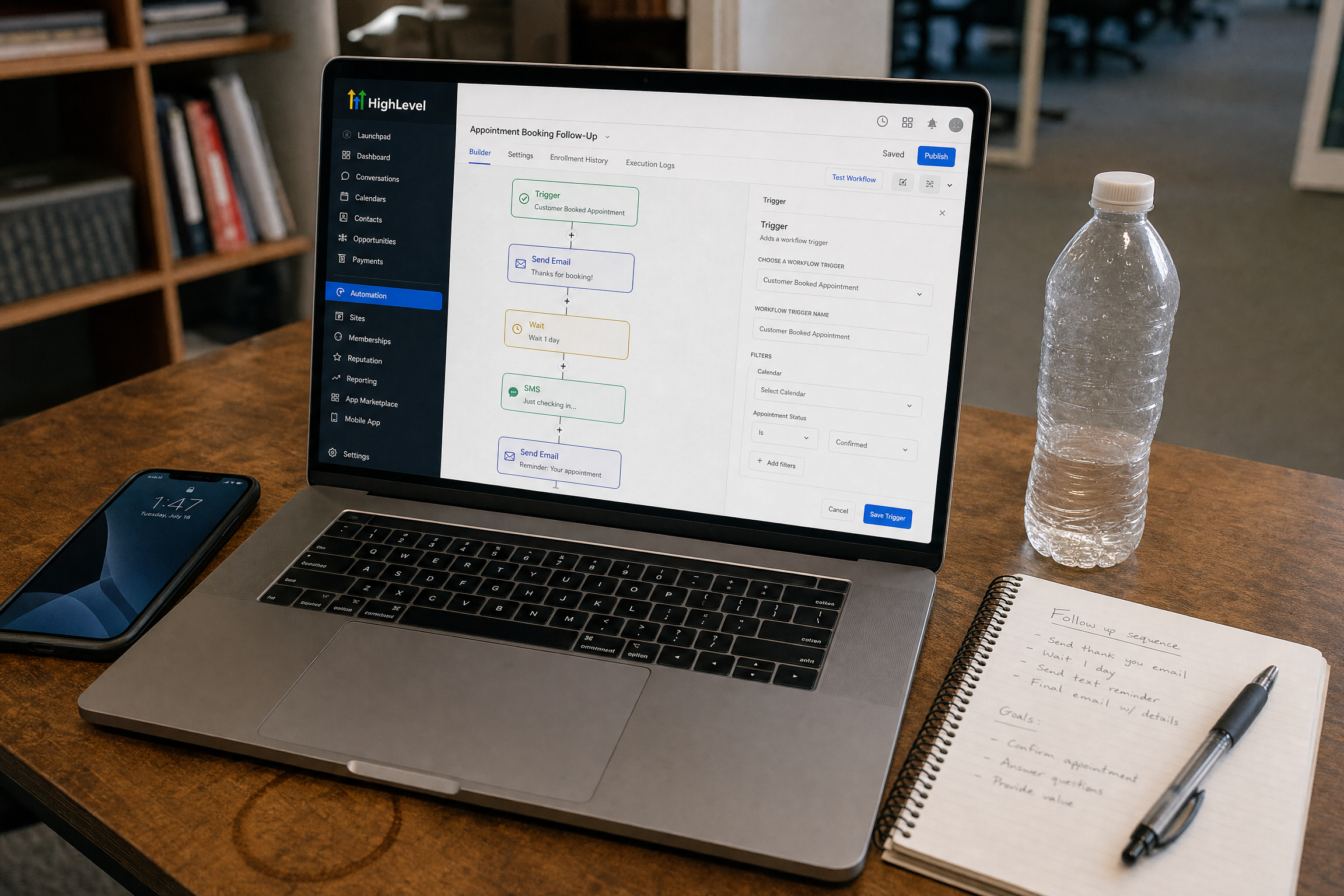
The first decision was whether to use our existing business number or get a new one through the platform. We kept our existing number because changing it would have meant updating every listing, every ad, and every piece of marketing we had ever sent out. The workaround was simple. We added a call-forwarding rule in our phone carrier’s settings that forwards unanswered calls to the platform after four rings. That took less than five minutes.
Next was writing the auto-response. Our first draft was terrible. It was three sentences long, included our full address, and ended with “We look forward to serving you.” It sounded like a robot wrote it. We tested it by calling our own number from a cell phone, letting it ring through, and reading the text that came back. It felt stiff and corporate, which is the opposite of what you want when someone is standing in their kitchen with no hot water.
We cut it down to one sentence: “Hi, this is Blue Coast. We missed your call and want to help. What can we assist you with?” Then we added our callback number at the end. The whole thing fit in one text message, under one hundred sixty characters, and sounded like a human wrote it in ten seconds. That is the point. It should not feel like a marketing email. It should feel like a quick note from someone who cares.
The setting that surprised us most was the response delay. The platform lets you choose how long to wait before sending the text. We set it to ten seconds at first, thinking faster was better. But ten seconds meant the text sometimes went out while the phone was still ringing, which confused people. We bumped it to twenty seconds, and that felt right. The call goes to voicemail, the customer hangs up, and the text arrives before they have opened the next browser tab.
We also turned on after-hours triggering, which means the system only sends texts outside of business hours or when we are marked as unavailable in the platform. During the day, we answer most calls. After six PM or on weekends, the automation handles it. That was the one feature we did not think we needed until we missed two calls on a Saturday morning and realized we had no way to respond until Monday.
The last step was testing it with a colleague’s phone. We called, let it ring, hung up, and watched the text come through. Then we replied to the text to make sure it routed back to us and did not disappear into a black hole. It worked. The whole setup, from login to final test, was done in the time it takes to drive to a job site. If you need help getting your lead capture and missed-call follow-up dialed in beyond text responses, we walk through the full process in our missed-call text-back setup service.
What Your Auto-Response Text Actually Needs to Say
Here are three practical examples you can adapt for different types of service businesses. Use them as starting points and adjust the wording to match how your team actually talks.
For an HVAC company: “Hi, this is [Company Name]. We missed your call and want to help. What’s going on with your AC or heat? Reply here or call us back at [number].”
For a cleaning service: “Hi, this is [Company Name]. We missed your call. What kind of cleaning do you need? Reply here or call us at [number].”
For a plumber: “Hi, this is [Company Name]. We missed your call and want to help. What’s the issue? Reply here or call us back at [number].”
The pattern is the same. Business name up front. Acknowledgment that you missed the call. A question that invites a reply. A clear next step. No fluff, no formality, no “We appreciate your business” nonsense that makes it sound like a form letter.
The psychology is simple. Urgency without desperation. Specificity without jargon. The customer needs to know you saw their call, you care, and you are ready to help. Anything beyond that is noise.
Compliance note: Missed-call text back should be used with proper consent, clear opt-out language, and awareness of TCPA/A2P 10DLC requirements. The goal is helpful follow-up from a real business number, not blasting people who never expected to hear from you.
The One Tool We Actually Recommend for Missed Call Text Back (And Why Everything Else Falls Short)
We use GoHighLevel for missed call text back because it can work with an existing business number, route replies into a real inbox, and keep the follow-up process in one place without turning the setup into a custom software project. You log in, connect your number, write your message, and turn it on. That is it.
The reason we stopped using everything else is that most platforms either cost too much, do too little, or try to do forty-seven things when you need one thing done well. Podium and Birdeye are broader reputation and messaging platforms, which can be more than a small service business needs when the immediate problem is simply responding to missed calls. Standalone auto-reply tools may be cheaper, but some require number changes or create a separate inbox, which can become a nonstarter for service companies that rely on their existing phone number.
GoHighLevel is not perfect. The interface is clunky in places, and the learning curve is steeper than it should be. But it works with the number you already have, it sends texts that actually get delivered, and it does not have to turn into a bloated software project. For a service business that wants to stop losing calls, that is all that matters.
How to Know If This Is Actually Working (Before You Waste More Time)
We set up the automation for a cleaning company last spring, and two months later the owner told us it was not working. We asked how he knew. He said he had not gotten any responses. We pulled the logs and found that the system had sent forty-three texts, and eleven people had replied. He had never checked the inbox.
That is the first mistake. Setting it up and assuming it works. You have to check the numbers. The metrics that matter are not how many texts you sent. They are how many people replied, how many of those replies turned into conversations, and how many of those conversations turned into booked jobs.
Here is what we track. Callback rate within twenty-four hours. That is the percentage of people who either reply to the text or call you back within a day. If that number is below twenty percent, your message is either too generic or your response time is too slow. We have found that texts sent between four and six PM get a forty percent higher callback rate than texts sent at noon, probably because people are wrapping up their day and more likely to engage.
The second metric is conversion rate. Of the people who reply, how many actually book a job? If you are getting replies but no jobs, the problem is not the auto-reply. The problem is your follow-up. A great text does nothing if you do not call the lead back within five minutes of their reply, which we learned the hard way watching a plumbing client lose three jobs in one week to a competitor who answered first.
The third metric is revenue recovered. Take the number of jobs you booked from auto-reply responses and multiply it by your average job value. If that number is higher than what the system costs, it is working. If it is not, either your message needs work or your follow-up is broken.
We also track which days and times generate the most responses. For most service businesses, missed calls spike on weekends and after five PM on weekdays. If your callback rate is low during those windows, it means people are texting you back and you are not responding fast enough. The fix is either checking your messages more often or setting up an auto-reply that acknowledges their text and tells them when you will call.
One last thing. Test your setup every month. Call your own number from a cell phone, let it ring through, and make sure the text arrives within thirty seconds. Check that the sender ID shows your business name or number, not some random platform number that looks like spam. We caught a client’s system sending texts from a number that started with a weird area code, and half the recipients were blocking it. That is fifteen minutes of testing that saves you from weeks of broken automation. If you are not sure whether your system is actually capturing and following up on every lead, our follow-up system review walks through the same checks we run for clients.
If your callback rate is below fifteen percent, rewrite your message to be shorter and more specific. If it is above thirty percent but you are not booking jobs, the problem is not the text. It is what happens after the reply. Fix that first.
Stop Leaving Money on the Table
The plumber who called us in February set up his missed call text back system the same week. He tested it on a Thursday, sent his first automated text on Friday afternoon, and booked a $600 water heater replacement by Saturday morning from a call he would have missed while he was elbows-deep in a drain line. He told us later that the customer had called two other plumbers before him, but he was the only one who texted back.
That is the whole game. You do not need to be the best plumber or the cheapest HVAC company or the fastest electrician. You need to be the one who responds while everyone else is still checking their voicemail. Set up your missed call text back automation this week. Test it with your own phone. Write a message that sounds like you. Turn it on. The next call you miss might be the one that pays for the system for the next six months.